发送通知
概述
首先,必须确保该扩展包已经安装 - 并且在 Blade 布局文件中插入
@livewire('notifications')
通知使用 fluent API 构造的 Notification 对象发送。在 Notification 对象上调用 send() 方法将会派发通知,并在应用中显示。由于使用 session 来闪存通知,可以在代码中的任意位置发送通知,包括 Javascript,而不只是在 Livewire 组件中。
<?php

namespace App\Livewire;

use Filament\Notifications\Notification;
use Livewire\Component;

class EditPost extends Component
{
    public function save(): void
    {
        // ...

        Notification::make()
            ->title('Saved successfully')
            ->success()
            ->send();
    }
}


设置标题
通知的主要消息在标题(Title)中展示。你可以这样设置标题:
use Filament\Notifications\Notification;

Notification::make()
    ->title('Saved successfully')
    ->send();
或者使用 JavaScript:
new FilamentNotification()
    .title('Saved successfully')
    .send()
设置图标
可选的,通知也可以在其内容前展示图标。你也可以指定图标的颜色,图标颜色默认为灰色:
use Filament\Notifications\Notification;

Notification::make()
    ->title('Saved successfully')
    ->icon('heroicon-o-document-text')
    ->iconColor('success')
    ->send();
或者 JavaScript:
new FilamentNotification()
    .title('Saved successfully')
    .icon('heroicon-o-document-text')
    .iconColor('success')
    .send()

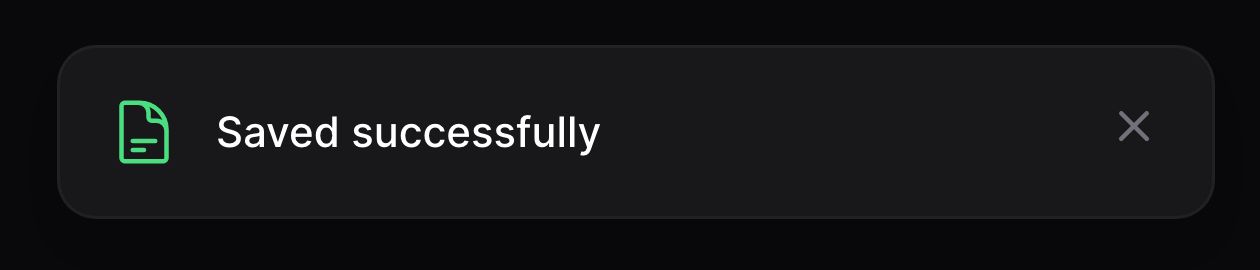
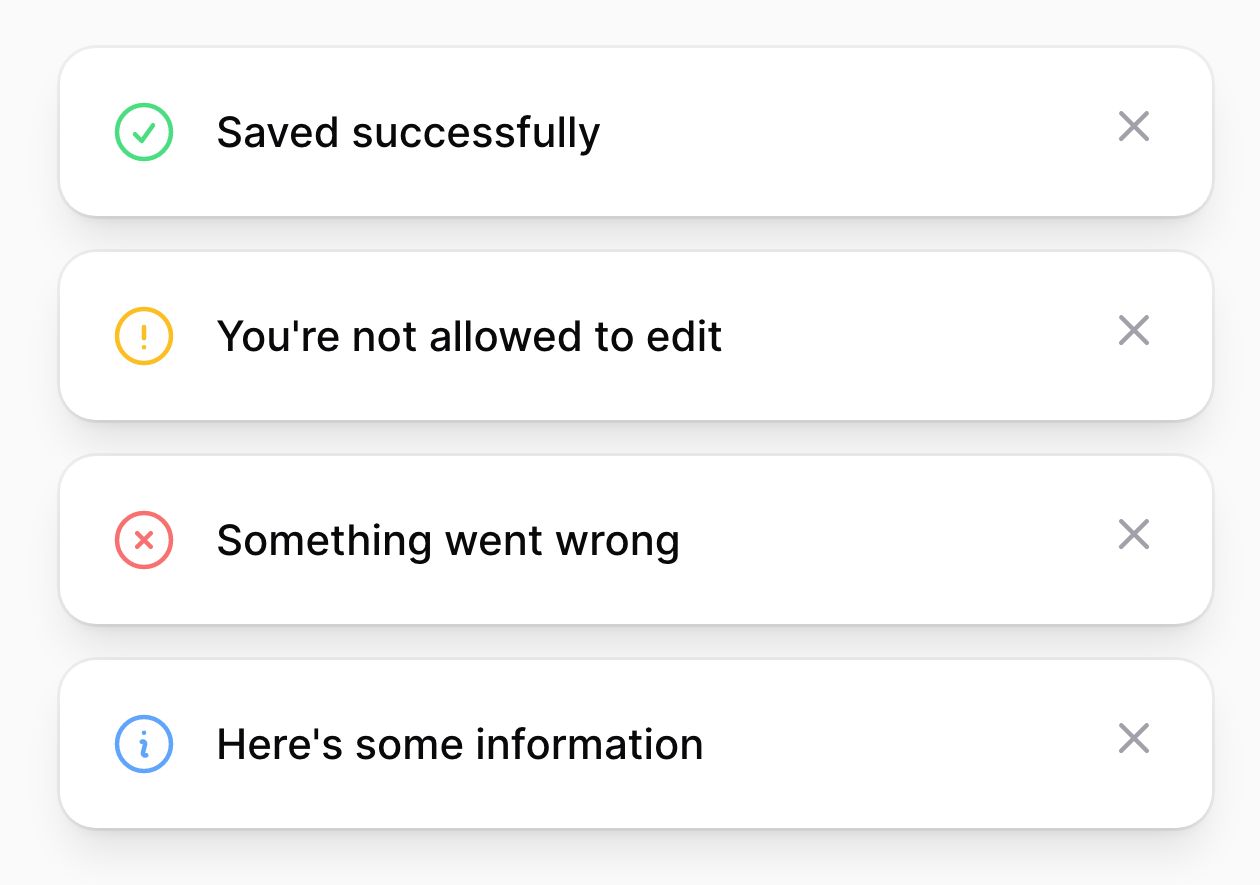
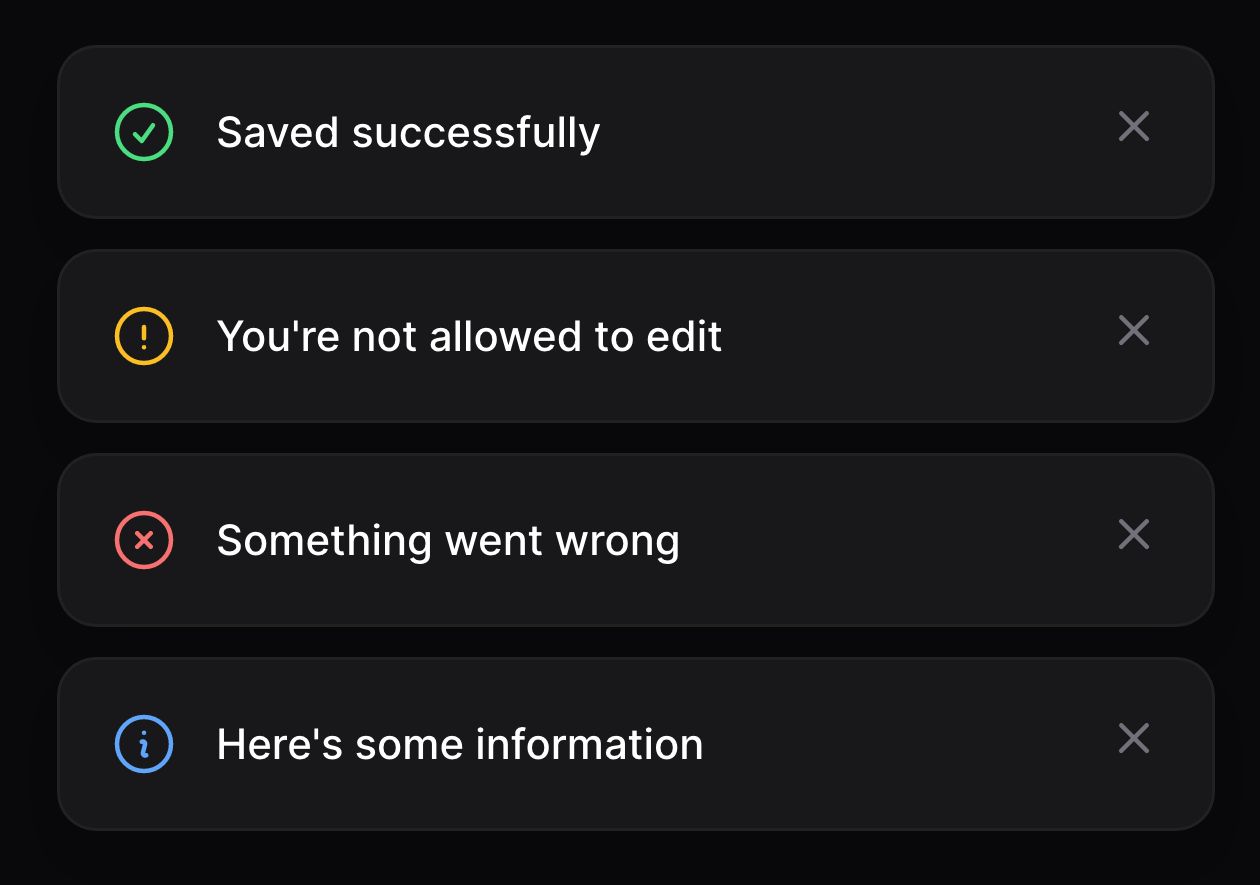
通知通常有一个状态,比如 success、warning、danger 或 info。除了手动设置相应的图标和颜色外,你也可以传入状态到status() 方法。因此,可以将上述代码简化为:
use Filament\Notifications\Notification;

Notification::make()
    ->title('Saved successfully')
    ->success()
    ->send();
或者使用 JavaScript:
new FilamentNotification()
    .title('Saved successfully')
    .success()
    .send()
设置背景色
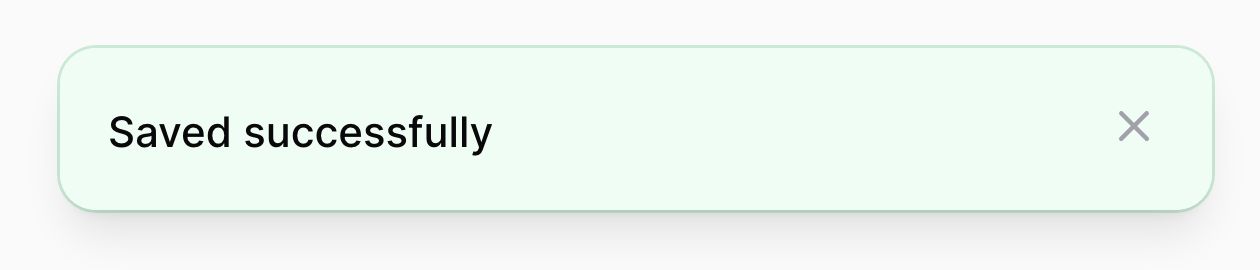
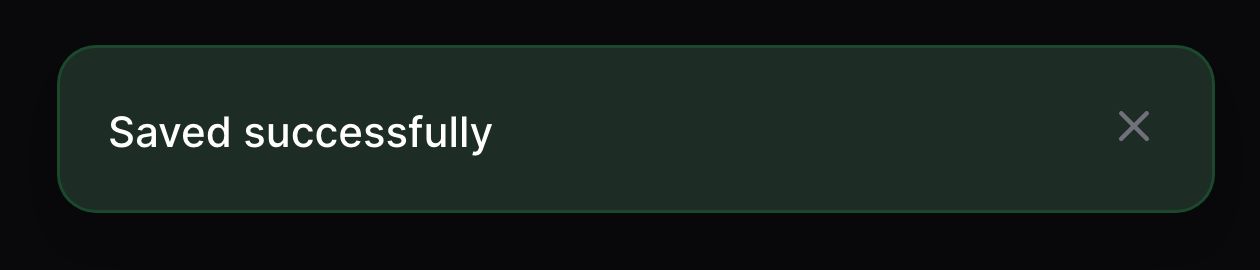
默认情况下,通知没有背景色。你可以按如下方式设置颜色为通知提供额外的上下文:
use Filament\Notifications\Notification;

Notification::make()
    ->title('Saved successfully')
    ->color('success') // [tl! focus]
    ->send();
或者使用 JavaScript:
new FilamentNotification()
    .title('Saved successfully')
    .color('success') // [tl! focus]
    .send()
设置时长
默认情况下,通知会在自动关闭前展示 6 秒。你也可以已毫秒为单位自定义展示时长:
use Filament\Notifications\Notification;

Notification::make()
    ->title('Saved successfully')
    ->success()
    ->duration(5000)
    ->send();
或者使用 JavaScript:
new FilamentNotification()
    .title('Saved successfully')
    .success()
    .duration(5000)
    .send()
如果你想要用秒而不是毫秒做单位,设置时长:
use Filament\Notifications\Notification;

Notification::make()
    ->title('Saved successfully')
    ->success()
    ->seconds(5)
    ->send();
或者使用 JavaScript:
new FilamentNotification()
    .title('Saved successfully')
    .success()
    .seconds(5)
    .send()
有些通知,你可能不希望它自动关闭,而是让用户可以手动关闭。可以让通知持久化(persistent)实现:
use Filament\Notifications\Notification;

Notification::make()
    ->title('Saved successfully')
    ->success()
    ->persistent()
    ->send();
或者,使用 JavaScript:
new FilamentNotification()
    .title('Saved successfully')
    .success()
    .persistent()
    .send()
设置主体文本
可以在 Body 中展示额外的通知文本:
use Filament\Notifications\Notification;

Notification::make()
    ->title('Saved successfully')
    ->success()
    ->body('Changes to the post have been saved.')
    ->send();
或者,使用 JavaScript:
new FilamentNotification()
    .title('Saved successfully')
    .success()
    .body('Changes to the post have been saved.')
    .send()


添加 Action 到通知
通知支持 Action,Action 是渲染在通知内容下面的按钮。 Action 可以打开 URL 或者派发 Livewire 事件。 可以这样定义 Action:
use Filament\Notifications\Actions\Action;
use Filament\Notifications\Notification;

Notification::make()
    ->title('Saved successfully')
    ->success()
    ->body('Changes to the post have been saved.')
    ->actions([
        Action::make('view')
            ->button(),
        Action::make('undo')
            ->color('gray'),
    ])
    ->send();
或者,使用 JavaScript:
new FilamentNotification()
    .title('Saved successfully')
    .success()
    .body('Changes to the post have been saved.')
    .actions([
        new FilamentNotificationAction('view')
            .button(),
        new FilamentNotificationAction('undo')
            .color('gray'),
    ])
    .send()

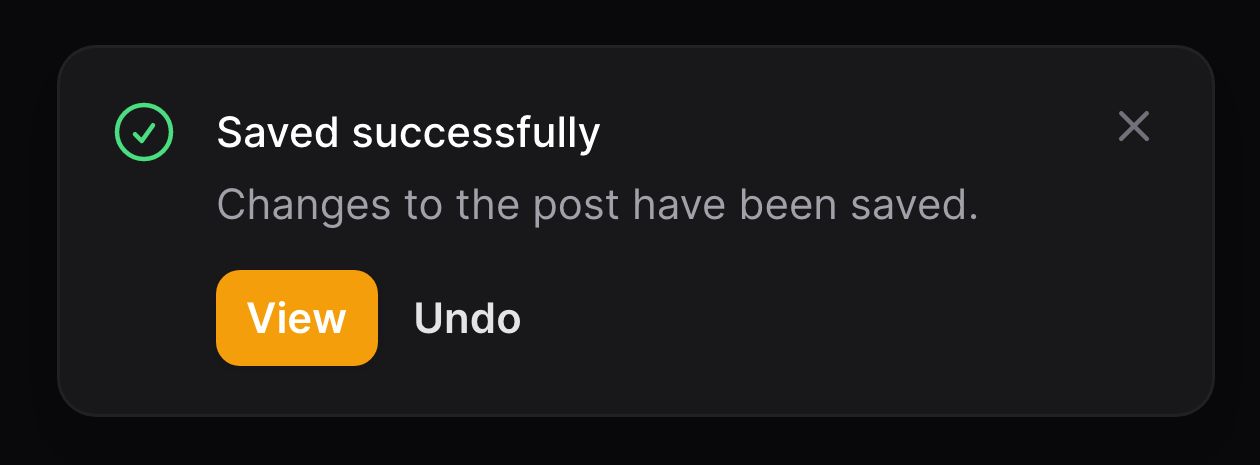
了解更多 Action 按钮样式,请点击此处。
在通知 Action 中打开 URL
点击 Action 时,你可以打开 URL(可选在新选项卡中打开):
use Filament\Notifications\Actions\Action;
use Filament\Notifications\Notification;

Notification::make()
    ->title('Saved successfully')
    ->success()
    ->body('Changes to the post have been saved.')
    ->actions([
        Action::make('view')
            ->button()
            ->url(route('posts.show', $post), shouldOpenInNewTab: true)
        Action::make('undo')
            ->color('gray'),
    ])
    ->send();
或者,使用 JavaScript:
new FilamentNotification()
    .title('Saved successfully')
    .success()
    .body('Changes to the post have been saved.')
    .actions([
        new FilamentNotificationAction('view')
            .button()
            .url('/view')
            .openUrlInNewTab(),
        new FilamentNotificationAction('undo')
            .color('gray'),
    ])
    .send()
在通知 Action 中派发 Livewire 事件
有时,你希望在点击通知 Action 时,执行一些额外代码。可以通过设置一个 Livewire 事件,使之在点击时发送来实现。你也可以传入可选的数组, Livewire 组件上的事件监听器会将其作为参数获取:
use Filament\Notifications\Actions\Action;
use Filament\Notifications\Notification;

Notification::make()
    ->title('Saved successfully')
    ->success()
    ->body('Changes to the post have been saved.')
    ->actions([
        Action::make('view')
            ->button()
            ->url(route('posts.show', $post), shouldOpenInNewTab: true),
        Action::make('undo')
            ->color('gray')
            ->dispatch('undoEditingPost', [$post->id]),
    ])
    ->send();
你也可以 dispatchSelf 派发给自己及 dispatchTo 派发给他人:
Action::make('undo')
    ->color('gray')
    ->dispatchSelf('undoEditingPost', [$post->id])

Action::make('undo')
    ->color('gray')
    ->dispatchTo('another_component', 'undoEditingPost', [$post->id])
或者,使用 JavaScript:
new FilamentNotification()
    .title('Saved successfully')
    .success()
    .body('Changes to the post have been saved.')
    .actions([
        new FilamentNotificationAction('view')
            .button()
            .url('/view')
            .openUrlInNewTab(),
        new FilamentNotificationAction('undo')
            .color('gray')
            .dispatch('undoEditingPost'),
    ])
    .send()
类似的, dispatchSelf和dispatchTo` 同样可用:
new FilamentNotificationAction('undo')
    .color('gray')
    .dispatchSelf('undoEditingPost')

new FilamentNotificationAction('undo')
    .color('gray')
    .dispatchTo('another_component', 'undoEditingPost')
在 Action 中关闭通知
在 Action 中打开 URL 或者派发完事件后,你可能希望马上关闭通知:
use Filament\Notifications\Actions\Action;
use Filament\Notifications\Notification;

Notification::make()
    ->title('Saved successfully')
    ->success()
    ->body('Changes to the post have been saved.')
    ->actions([
        Action::make('view')
            ->button()
            ->url(route('posts.show', $post), shouldOpenInNewTab: true),
        Action::make('undo')
            ->color('gray')
            ->dispatch('undoEditingPost', [$post->id])
            ->close(),
    ])
    ->send();
或者,使用 JavaScript:
new FilamentNotification()
    .title('Saved successfully')
    .success()
    .body('Changes to the post have been saved.')
    .actions([
        new FilamentNotificationAction('view')
            .button()
            .url('/view')
            .openUrlInNewTab(),
        new FilamentNotificationAction('undo')
            .color('gray')
            .dispatch('undoEditingPost')
            .close(),
    ])
    .send()
使用 JavaScript 对象
JavaScript 对象 (FilamentNotification 和 FilamentNotificationAction) 被赋值给 window.FilamentNotification 和 window.FilamentNotificationAction,因此它们在页面脚本中可用
你也可以将其导入给捆绑的 JavaScript 文件:
import { Notification, NotificationAction } from '../../vendor/filament/notifications/dist/index.js'

// ...