Image entry
Overview
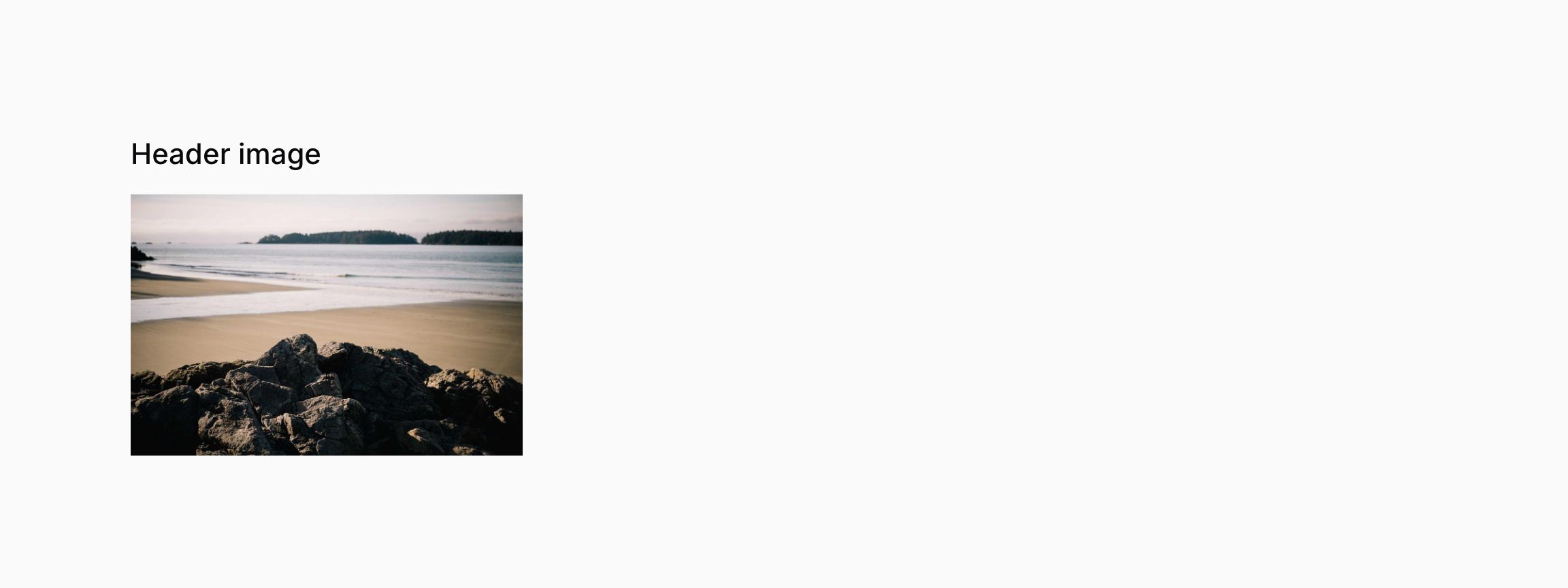
Images can be easily displayed within your infolist:
use Filament\Infolists\Components\ImageEntry;

ImageEntry::make('header_image')
The entry must contain the path to the image, relative to the root directory of its storage disk, or an absolute URL to it.

Managing the image disk
By default, the public disk will be used to retrieve images. You may pass a custom disk name to the disk() method:
use Filament\Infolists\Components\ImageEntry;

ImageEntry::make('header_image')
    ->disk('s3')
Private images
Filament can generate temporary URLs to render private images, you may set the visibility() to private:
use Filament\Infolists\Components\ImageEntry;

ImageEntry::make('header_image')
    ->visibility('private')
Customizing the size
You may customize the image size by passing a width() and height(), or both with size():
use Filament\Infolists\Components\ImageEntry;

ImageEntry::make('header_image')
    ->width(200)

ImageEntry::make('header_image')
    ->height(50)

ImageEntry::make('author.avatar')
    ->size(40)
Square image
You may display the image using a 1:1 aspect ratio:
use Filament\Infolists\Components\ImageEntry;

ImageEntry::make('author.avatar')
    ->height(40)
    ->square()


Circular image
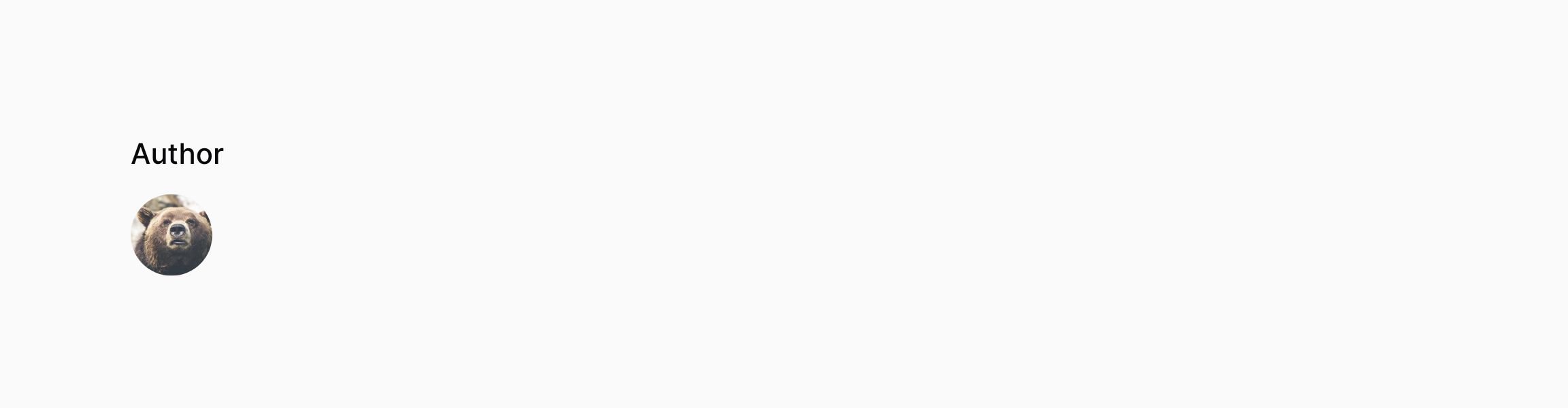
You may make the image fully rounded, which is useful for rendering avatars:
use Filament\Infolists\Components\ImageEntry;

ImageEntry::make('author.avatar')
    ->height(40)
    ->circular()

Adding a default image URL
You can display a placeholder image if one doesn't exist yet, by passing a URL to the defaultImageUrl() method:
use Filament\Infolists\Components\ImageEntry;

ImageEntry::make('avatar')
    ->defaultImageUrl(url('/images/placeholder.png'))
Stacking images
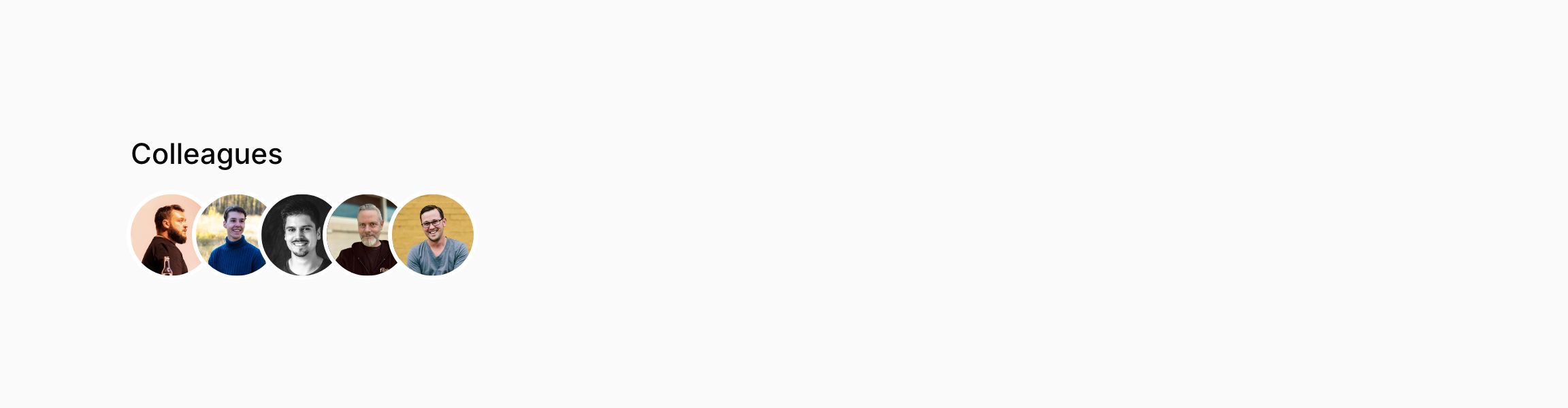
You may display multiple images as a stack of overlapping images by using stacked():
use Filament\Infolists\Components\ImageEntry;

ImageEntry::make('colleagues.avatar')
    ->height(40)
    ->circular()
    ->stacked()

Customizing the stacked ring width
The default ring width is 3, but you may customize it to be from 0 to 8:
use Filament\Infolists\Components\ImageEntry;

ImageEntry::make('colleagues.avatar')
    ->height(40)
    ->circular()
    ->stacked()
    ->ring(5)
Customizing the stacked overlap
The default overlap is 4, but you may customize it to be from 0 to 8:
use Filament\Infolists\Components\ImageEntry;

ImageEntry::make('colleagues.avatar')
    ->height(40)
    ->circular()
    ->stacked()
    ->overlap(2)
Setting a limit
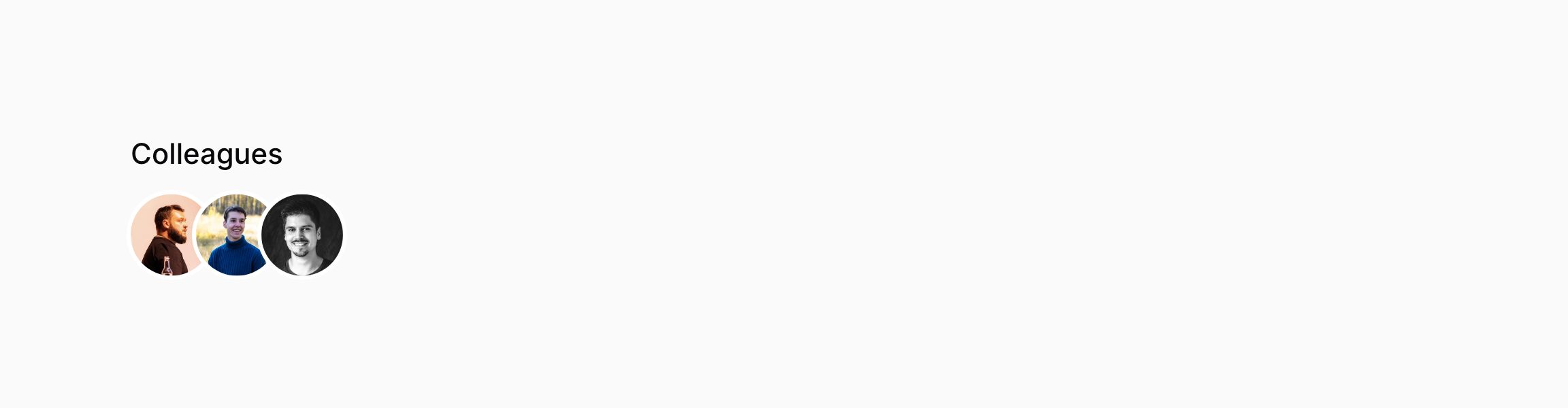
You may limit the maximum number of images you want to display by passing limit():
use Filament\Infolists\Components\ImageEntry;

ImageEntry::make('colleagues.avatar')
    ->height(40)
    ->circular()
    ->stacked()
    ->limit(3)

Showing the remaining images count
When you set a limit you may also display the count of remaining images by passing limitedRemainingText().
use Filament\Infolists\Components\ImageEntry;

ImageEntry::make('colleagues.avatar')
    ->height(40)
    ->circular()
    ->stacked()
    ->limit(3)
    ->limitedRemainingText()
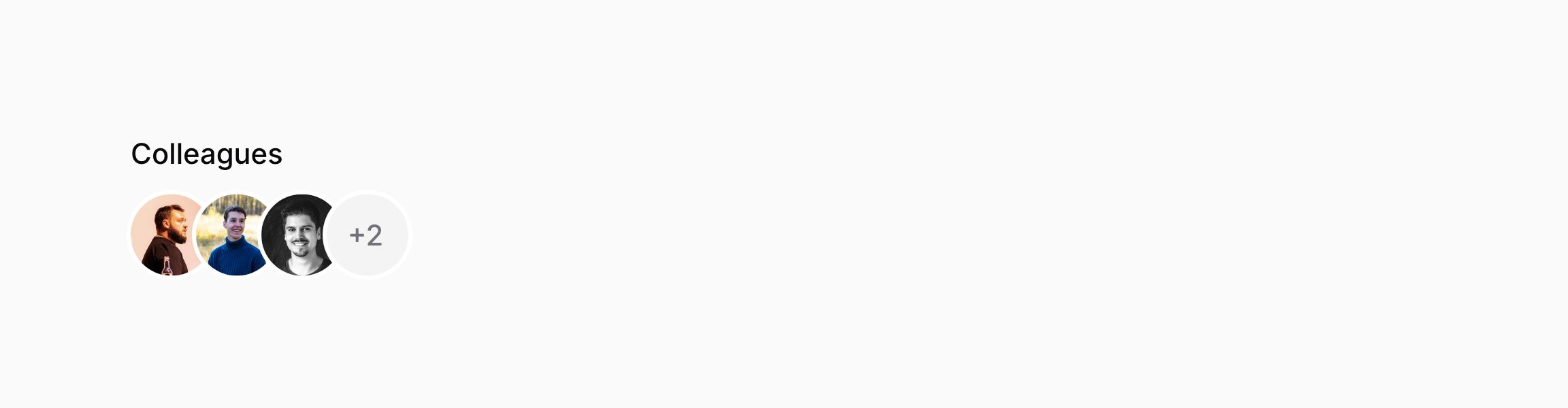

Showing the limited remaining text separately
By default, limitedRemainingText() will display the count of remaining images as a number stacked on the other images. If you prefer to show the count as a number after the images, you may use the isSeparate: true parameter:
use Filament\Infolists\Components\ImageEntry;

ImageEntry::make('colleagues.avatar')
    ->height(40)
    ->circular()
    ->stacked()
    ->limit(3)
    ->limitedRemainingText(isSeparate: true)
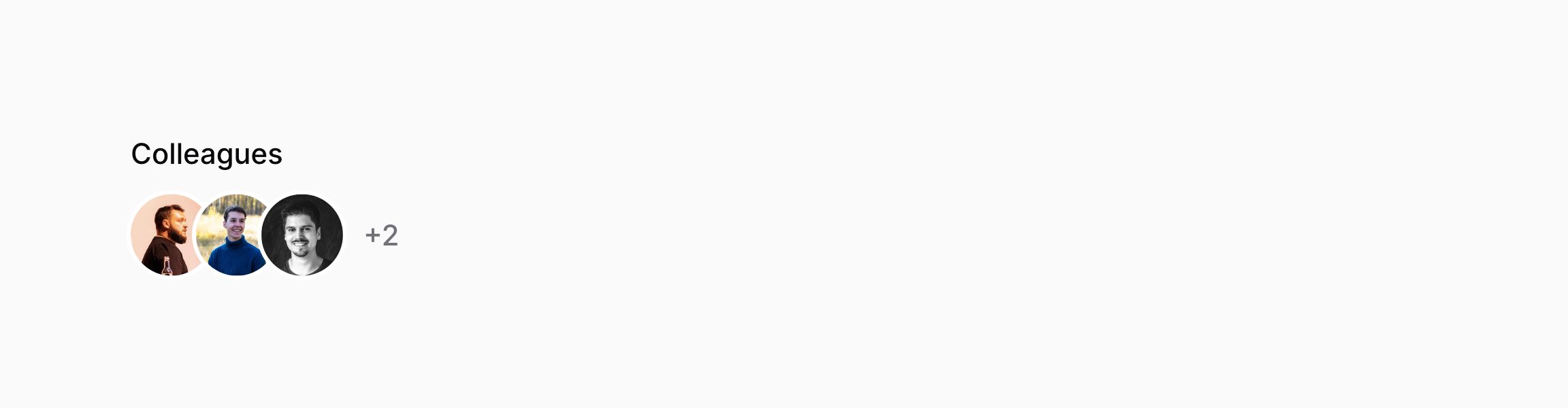

Customizing the limited remaining text size
By default, the size of the remaining text is sm. You can customize this to be xs, md or lg using the size parameter:
use Filament\Infolists\Components\ImageEntry;

ImageEntry::make('colleagues.avatar')
    ->height(40)
    ->circular()
    ->stacked()
    ->limit(3)
    ->limitedRemainingText(size: 'lg')
Custom attributes
You may customize the extra HTML attributes of the image using extraImgAttributes():
use Filament\Infolists\Components\ImageEntry;

ImageEntry::make('logo')
    ->extraImgAttributes([
        'alt' => 'Logo',
        'loading' => 'lazy',
    ]),