Text entry
Overview
Text entries display simple text:
use Filament\Infolists\Components\TextEntry;

TextEntry::make('title')


Displaying as a "badge"
By default, text is quite plain and has no background color. You can make it appear as a "badge" instead using the badge() method. A great use case for this is with statuses, where may want to display a badge with a color that matches the status:
use Filament\Infolists\Components\TextEntry;

TextEntry::make('status')
    ->badge()
    ->color(fn (string $state): string => match ($state) {
        'draft' => 'gray',
        'reviewing' => 'warning',
        'published' => 'success',
        'rejected' => 'danger',
    })
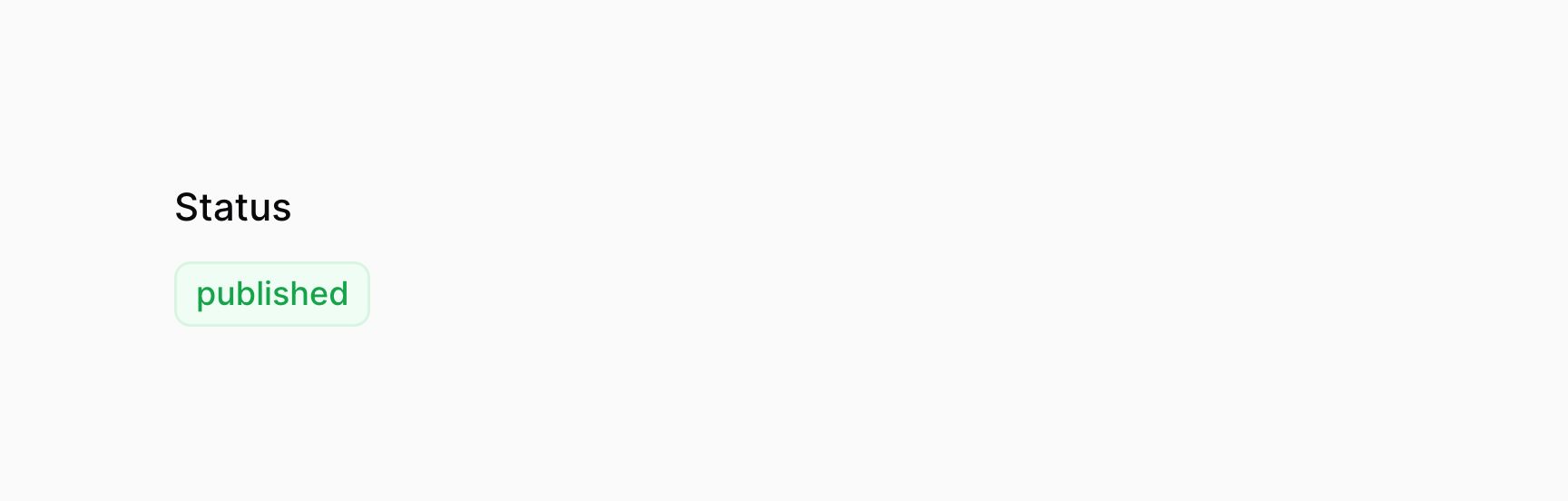

You may add other things to the badge, like an icon.
Date formatting
You may use the date() and dateTime() methods to format the entry's state using PHP date formatting tokens:
use Filament\Infolists\Components\TextEntry;

TextEntry::make('created_at')
    ->dateTime()
You may use the since() method to format the entry's state using Carbon's diffForHumans():
use Filament\Infolists\Components\TextEntry;

TextEntry::make('created_at')
    ->since()
Number formatting
The numeric() method allows you to format an entry as a number, using PHP's number_format():
use Filament\Infolists\Components\TextEntry;

TextEntry::make('stock')
    ->numeric(
        decimalPlaces: 0,
        decimalSeparator: '.',
        thousandsSeparator: ',',
    )
Currency formatting
The money() method allows you to easily format monetary values, in any currency:
use Filament\Infolists\Components\TextEntry;

TextEntry::make('price')
    ->money('EUR')
Limiting text length
You may limit() the length of the entry's value:
use Filament\Infolists\Components\TextEntry;

TextEntry::make('description')
    ->limit(50)
You may also reuse the value that is being passed to limit():
use Filament\Infolists\Components\TextEntry;

TextEntry::make('description')
    ->limit(50)
    ->tooltip(function (TextEntry $entry): ?string {
        $state = $entry->getState();

        if (strlen($state) <= $entry->getCharacterLimit()) {
            return null;
        }

        // Only render the tooltip if the entry contents exceeds the length limit.
        return $state;
    })
Limiting word count
You may limit the number of words() displayed in the entry:
use Filament\Infolists\Components\TextEntry;

TextEntry::make('description')
    ->words(10)
Listing multiple values
By default, if there are multiple values inside your text entry, they will be comma-separated. You may use the listWithLineBreaks() method to display them on new lines instead:
use Filament\Infolists\Components\TextEntry;

TextEntry::make('authors.name')
    ->listWithLineBreaks()


Adding bullet points to the list
You may add a bullet point to each list item using the bulleted() method:
use Filament\Infolists\Components\TextEntry;

TextEntry::make('authors.name')
    ->listWithLineBreaks()
    ->bulleted()


Limiting the number of values in the list
You can limit the number of values in the list using the limitList() method:
use Filament\Infolists\Components\TextEntry;

TextEntry::make('authors.name')
    ->listWithLineBreaks()
    ->limitList(3)
Using a list separator
If you want to "explode" a text string from your model into multiple list items, you can do so with the separator() method. This is useful for displaying comma-separated tags as badges, for example:
use Filament\Infolists\Components\TextEntry;

TextEntry::make('tags')
    ->badge()
    ->separator(',')
Rendering HTML
If your entry value is HTML, you may render it using html():
use Filament\Infolists\Components\TextEntry;

TextEntry::make('description')
    ->html()
Rendering Markdown as HTML
If your entry value is Markdown, you may render it using markdown():
use Filament\Infolists\Components\TextEntry;

TextEntry::make('description')
    ->markdown()
Custom formatting
You may instead pass a custom formatting callback to formatStateUsing(), which accepts the $state of the entry, and optionally its $record:
use Filament\Infolists\Components\TextEntry;

TextEntry::make('status')
    ->formatStateUsing(fn (string $state): string => __("statuses.{$state}"))
Adding a placeholder if the entry is empty
Sometimes you may want to display a placeholder if the entry's value is empty:
use Filament\Infolists\Components\TextEntry;

TextEntry::make('updated_at')
    ->placeholder('Never')
Customizing the color
You may set a color for the text, either danger, gray, info, primary, success or warning:
use Filament\Infolists\Components\TextEntry;

TextEntry::make('status')
    ->color('primary')


Adding an icon
Text entries may also have an icon:
use Filament\Infolists\Components\TextEntry;

TextEntry::make('email')
    ->icon('heroicon-m-envelope')


You may set the position of an icon using iconPosition():
use Filament\Infolists\Components\TextEntry;use Filament\Support\Enums\IconPosition;

TextEntry::make('email')
    ->icon('heroicon-m-envelope')
    ->iconPosition(IconPosition::After) // `IconPosition::Before` or `IconPosition::After`


Customizing the text size
You may make the text larger using size(TextEntrySize::Large):
use Filament\Infolists\Components\TextEntry;

TextEntry::make('title')
    ->size(TextEntry\TextEntrySize::Large)


Customizing the font weight
Text entries have regular font weight by default, but you may change this to any of the following options: FontWeight::Thin, FontWeight::ExtraLight, FontWeight::Light, FontWeight::Medium, FontWeight::SemiBold, FontWeight::Bold, FontWeight::ExtraBold or FontWeight::Black.
For instance, you may make the font bold using weight(FontWeight::Bold):
use Filament\Infolists\Components\TextEntry;use Filament\Support\Enums\FontWeight;

TextEntry::make('title')
    ->weight(FontWeight::Bold)


Customizing the font family
You can change the text font family to any of the following options: FontFamily::Sans, FontFamily::Serif or FontFamily::Mono.
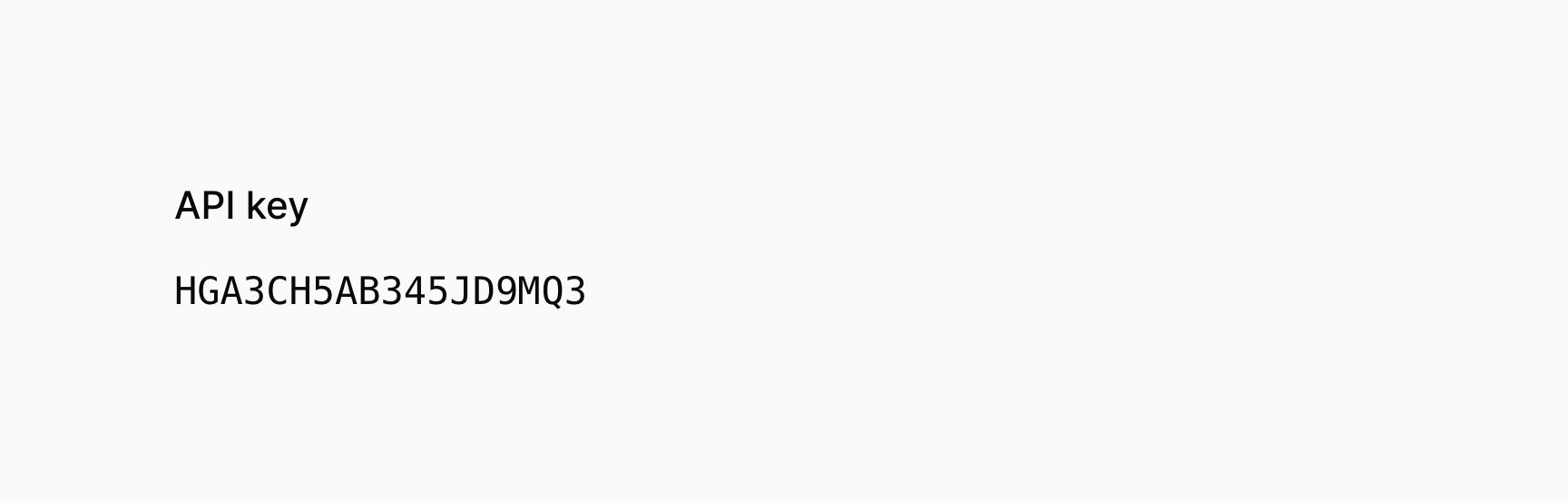
For instance, you may make the font monospaced using fontFamily(FontFamily::Mono):
use Filament\Support\Enums\FontFamily;
use Filament\Infolists\Components\TextEntry;

TextEntry::make('apiKey')
    ->label('API key')
    ->fontFamily(FontFamily::Mono)

Allowing the text to be copied to the clipboard
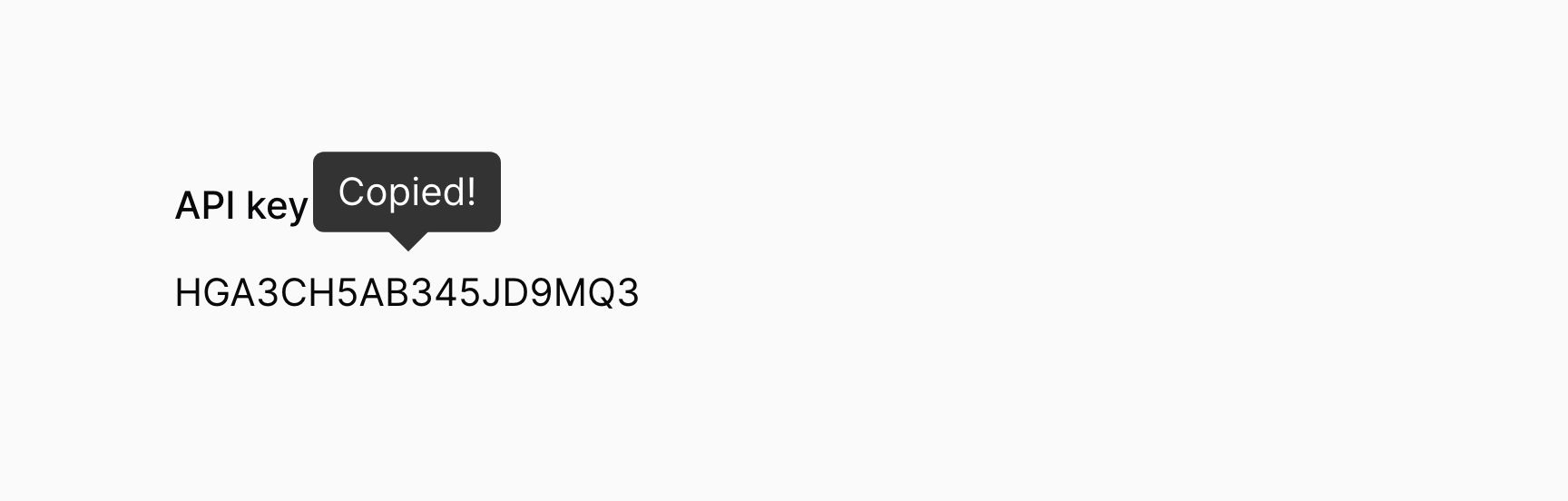
You may make the text copyable, such that clicking on the entry copies the text to the clipboard, and optionally specify a custom confirmation message and duration in milliseconds. This feature only works when SSL is enabled for the app.
use Filament\Infolists\Components\TextEntry;

TextEntry::make('apiKey')
    ->label('API key')
    ->copyable()
    ->copyMessage('Copied!')
    ->copyMessageDuration(1500)