Checkbox
Overview
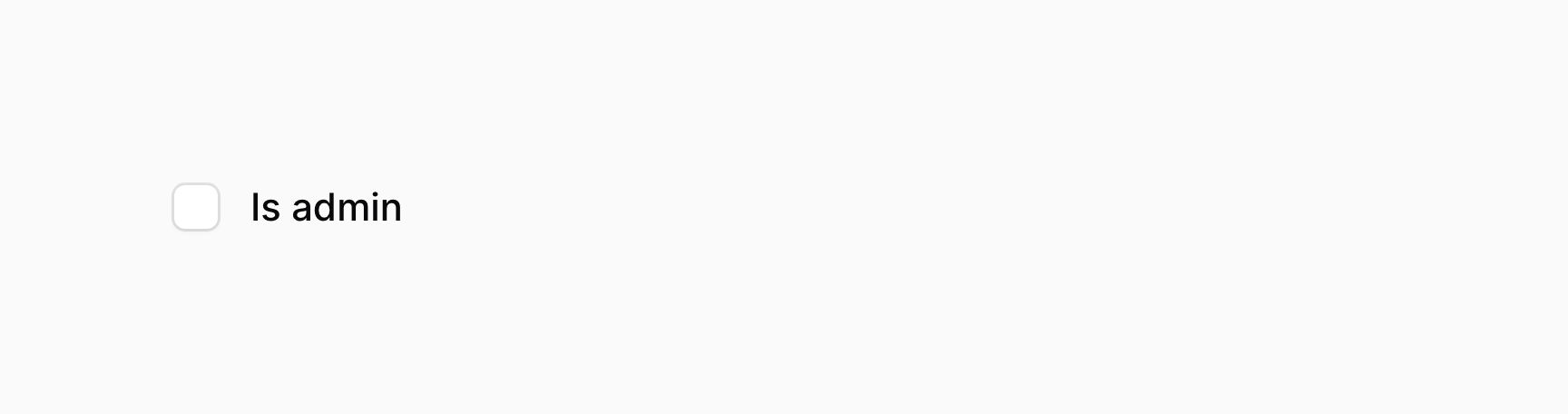
The checkbox component, similar to a toggle, allows you to interact a boolean value.
use Filament\Forms\Components\Checkbox;

Checkbox::make('is_admin')

If you're saving the boolean value using Eloquent, you should be sure to add a boolean cast to the model property:
use Illuminate\Database\Eloquent\Model;

class User extends Model
{
    protected $casts = [
        'is_admin' => 'boolean',
    ];

    // ...
}
Positioning the label above
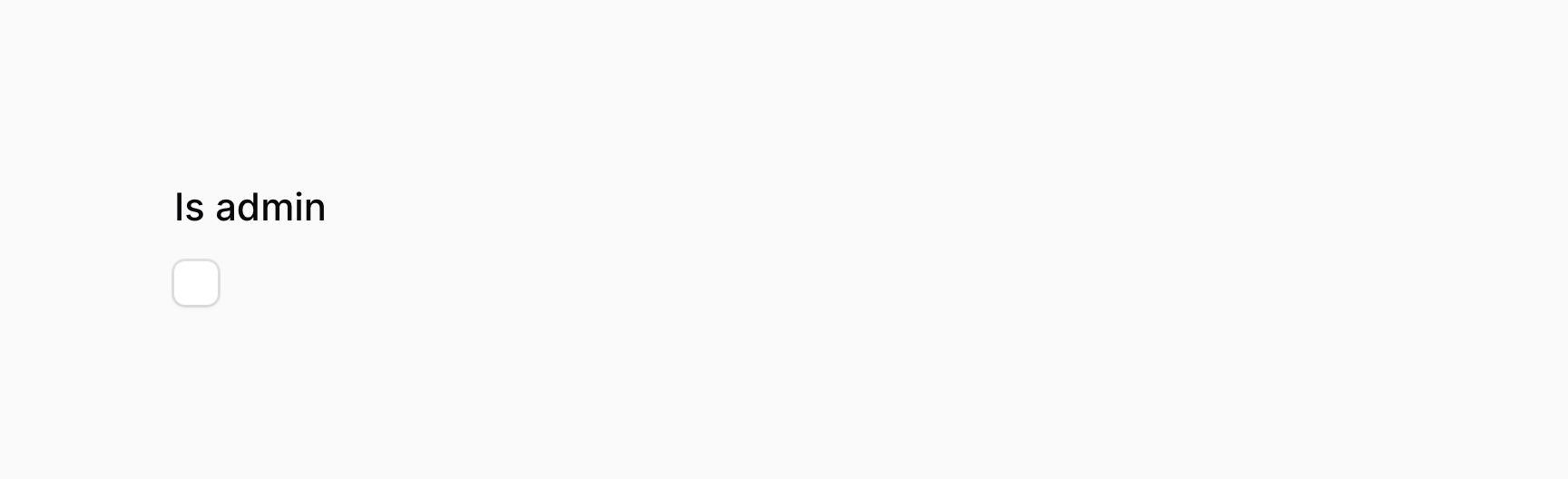
Checkbox fields have two layout modes, inline and stacked. By default, they are inline.
When the checkbox is inline, its label is adjacent to it:
use Filament\Forms\Components\Checkbox;

Checkbox::make('is_admin')->inline()
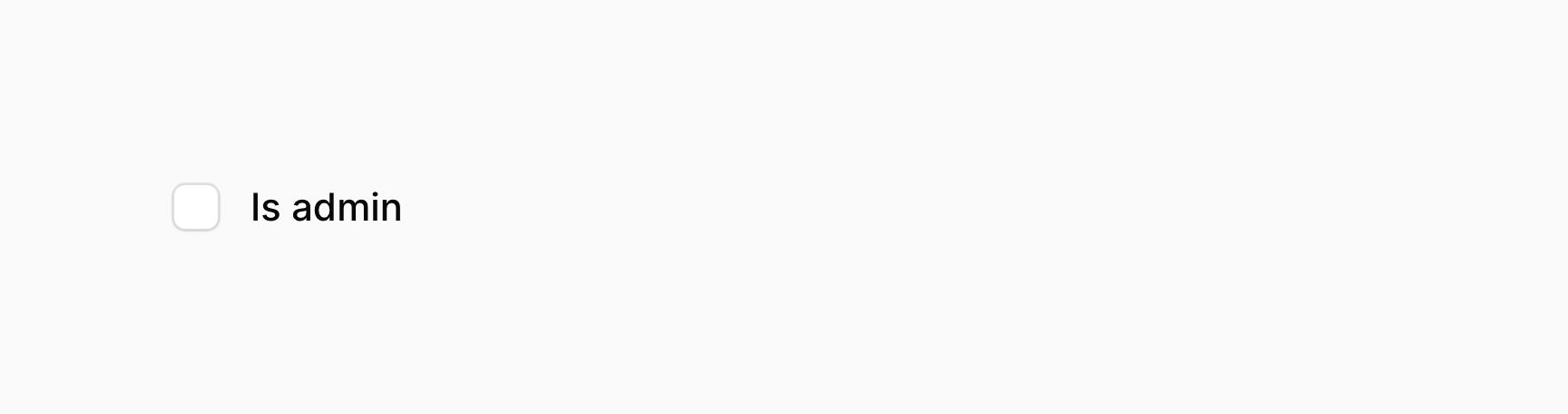

When the checkbox is stacked, its label is above it:
use Filament\Forms\Components\Checkbox;

Checkbox::make('is_admin')->inline(false)

Checkbox validation
As well as all rules listed on the validation page, there are additional rules that are specific to checkboxes.
Accepted validation
You may ensure that the checkbox is checked using the accepted() method:
use Filament\Forms\Components\Checkbox;

Checkbox::make('terms_of_service')
    ->accepted()
Declined validation
You may ensure that the checkbox is not checked using the declined() method:
use Filament\Forms\Components\Checkbox;

Checkbox::make('is_under_18')
    ->declined()