Key-value
Overview
The key-value field allows you to interact with one-dimensional JSON object:
use Filament\Forms\Components\KeyValue;

KeyValue::make('meta')
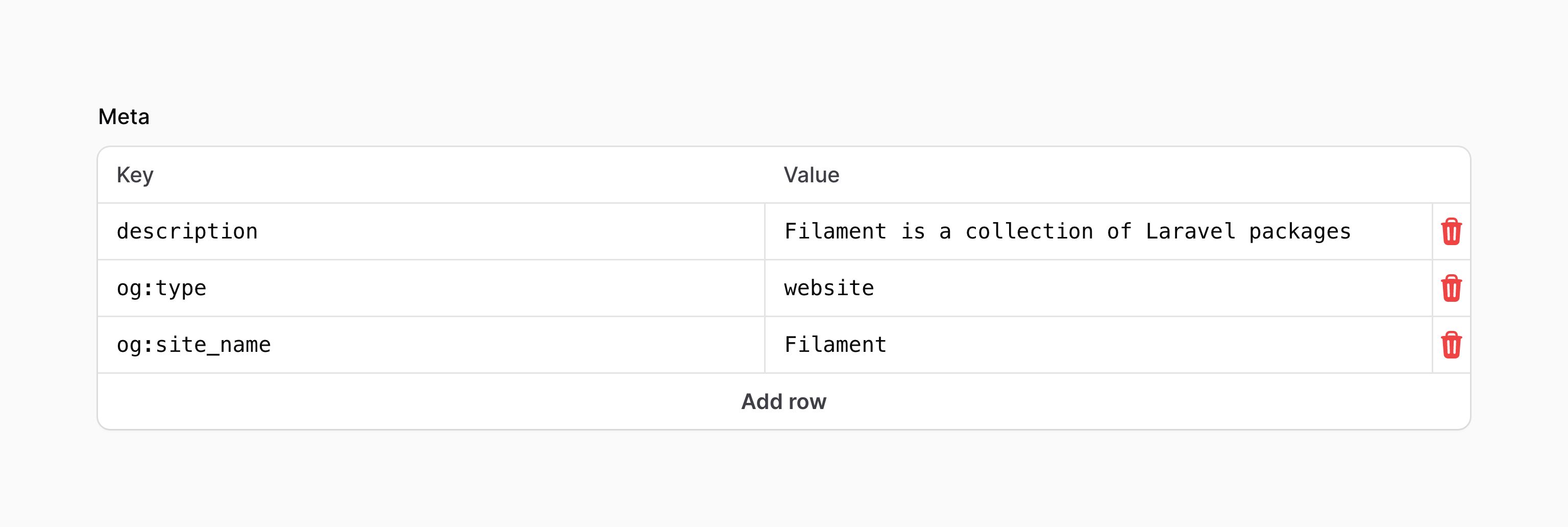
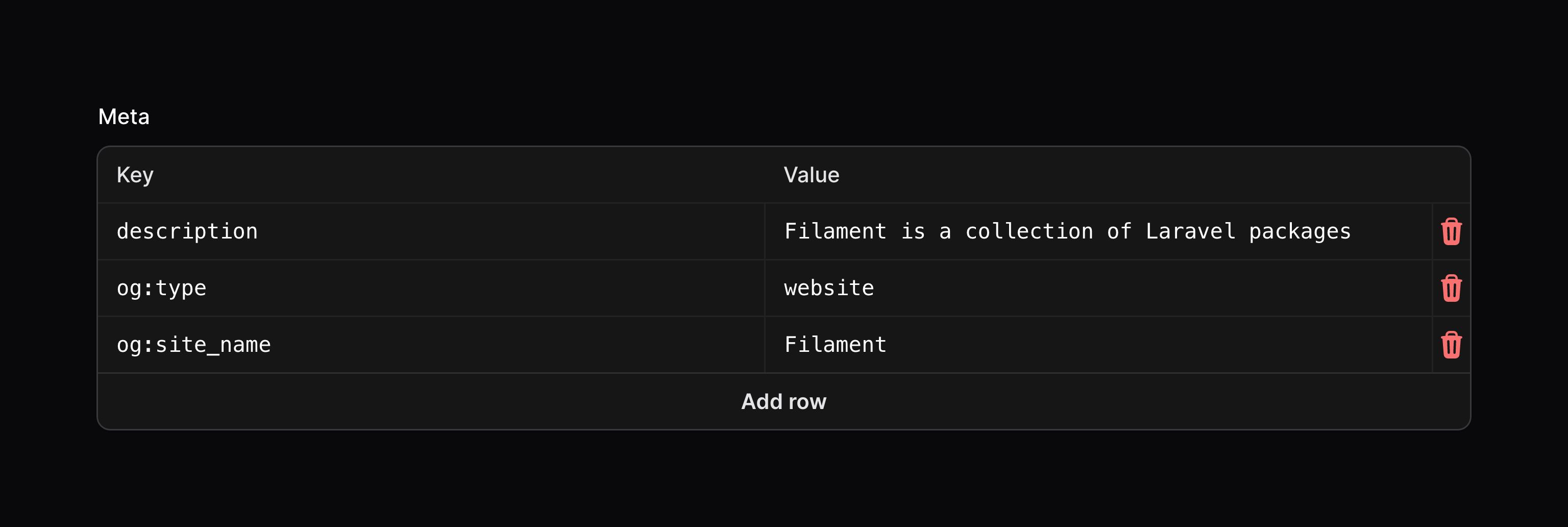
If you're saving the data in Eloquent, you should be sure to add an array cast to the model property:
use Illuminate\Database\Eloquent\Model;

class Post extends Model
{
    protected $casts = [
        'meta' => 'array',
    ];

    // ...
}
Adding rows
An action button is displayed below the field to allow the user to add a new row.
Setting the add action button's label
You may set a label to customize the text that should be displayed in the button for adding a row, using the addActionLabel() method:
use Filament\Forms\Components\KeyValue;

KeyValue::make('meta')
    ->addActionLabel('Add property')
Preventing the user from adding rows
You may prevent the user from adding rows using the addable(false) method:
use Filament\Forms\Components\KeyValue;

KeyValue::make('meta')
    ->addable(false)
Deleting rows
An action button is displayed on each item to allow the user to delete it.
Preventing the user from deleting rows
You may prevent the user from deleting rows using the deletable(false) method:
use Filament\Forms\Components\KeyValue;

KeyValue::make('meta')
    ->deletable(false)
Editing keys
Customizing the key fields' label
You may customize the label for the key fields using the keyLabel() method:
use Filament\Forms\Components\KeyValue;

KeyValue::make('meta')
    ->keyLabel('Property name')
Adding key field placeholders
You may also add placeholders for the key fields using the keyPlaceholder() method:
use Filament\Forms\Components\KeyValue;

KeyValue::make('meta')
    ->keyPlaceholder('Property name')
Preventing the user from editing keys
You may prevent the user from editing keys using the editableKeys(false) method:
use Filament\Forms\Components\KeyValue;

KeyValue::make('meta')
    ->editableKeys(false)
Editing values
Customizing the value fields' label
You may customize the label for the value fields using the valueLabel() method:
use Filament\Forms\Components\KeyValue;

KeyValue::make('meta')
    ->valueLabel('Property value')
Adding value field placeholders
You may also add placeholders for the value fields using the valuePlaceholder() method:
use Filament\Forms\Components\KeyValue;

KeyValue::make('meta')
    ->valuePlaceholder('Property value')
Preventing the user from editing values
You may prevent the user from editing values using the editableValues(false) method:
use Filament\Forms\Components\KeyValue;

KeyValue::make('meta')
    ->editableValues(false)
Reordering rows
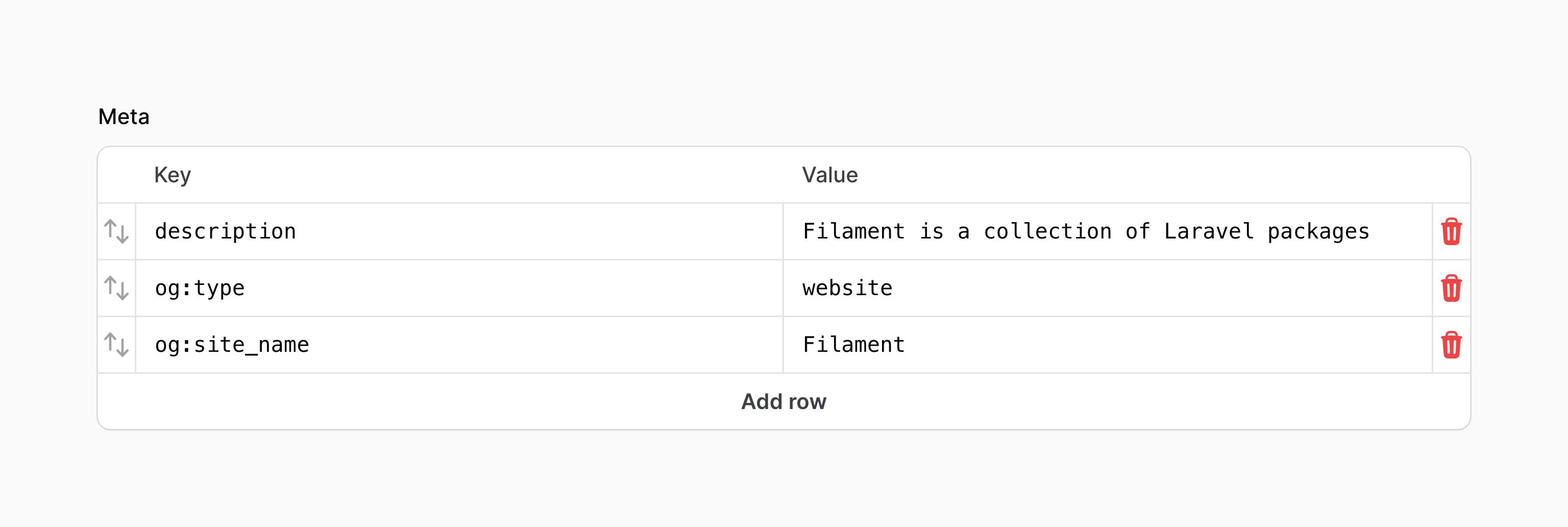
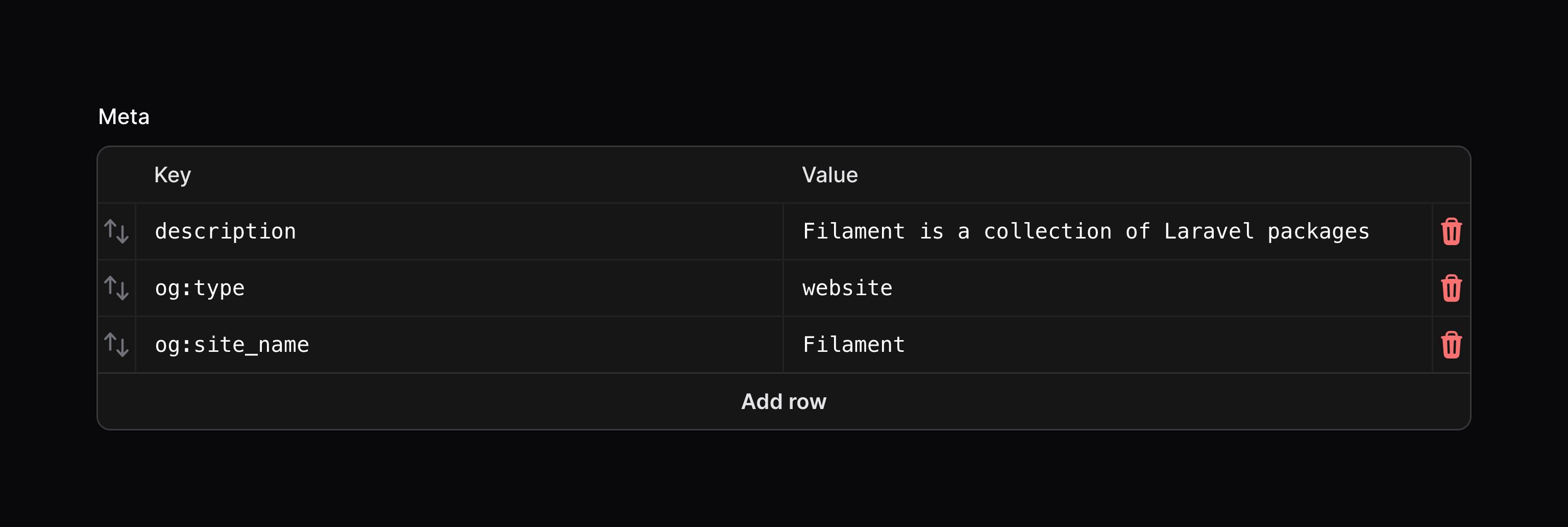
You can allow the user to reorder rows within the table using the reorderable() method:
use Filament\Forms\Components\KeyValue;

KeyValue::make('meta')
    ->reorderable()
Customizing the key-value action objects
This field uses action objects for easy customization of buttons within it. You can customize these buttons by passing a function to an action registration method. The function has access to the $action object, which you can use to customize it. The following methods are available to customize the actions:
addAction()deleteAction()reorderAction()
Here is an example of how you might customize an action:
use Filament\Forms\Components\Actions\Action;
use Filament\Forms\Components\KeyValue;

KeyValue::make('meta')
    ->deleteAction(
        fn (Action $action) => $action->icon('heroicon-m-x-mark'),
    )