复选框列表
概述
复选框列表(CheckboxList)组件允许你从预定义选项列表中选择多个值:
use Filament\Forms\Components\CheckboxList;

CheckboxList::make('technologies')
    ->options([
        'tailwind' => 'Tailwind CSS',
        'alpine' => 'Alpine.js',
        'laravel' => 'Laravel',
        'livewire' => 'Laravel Livewire',
    ])
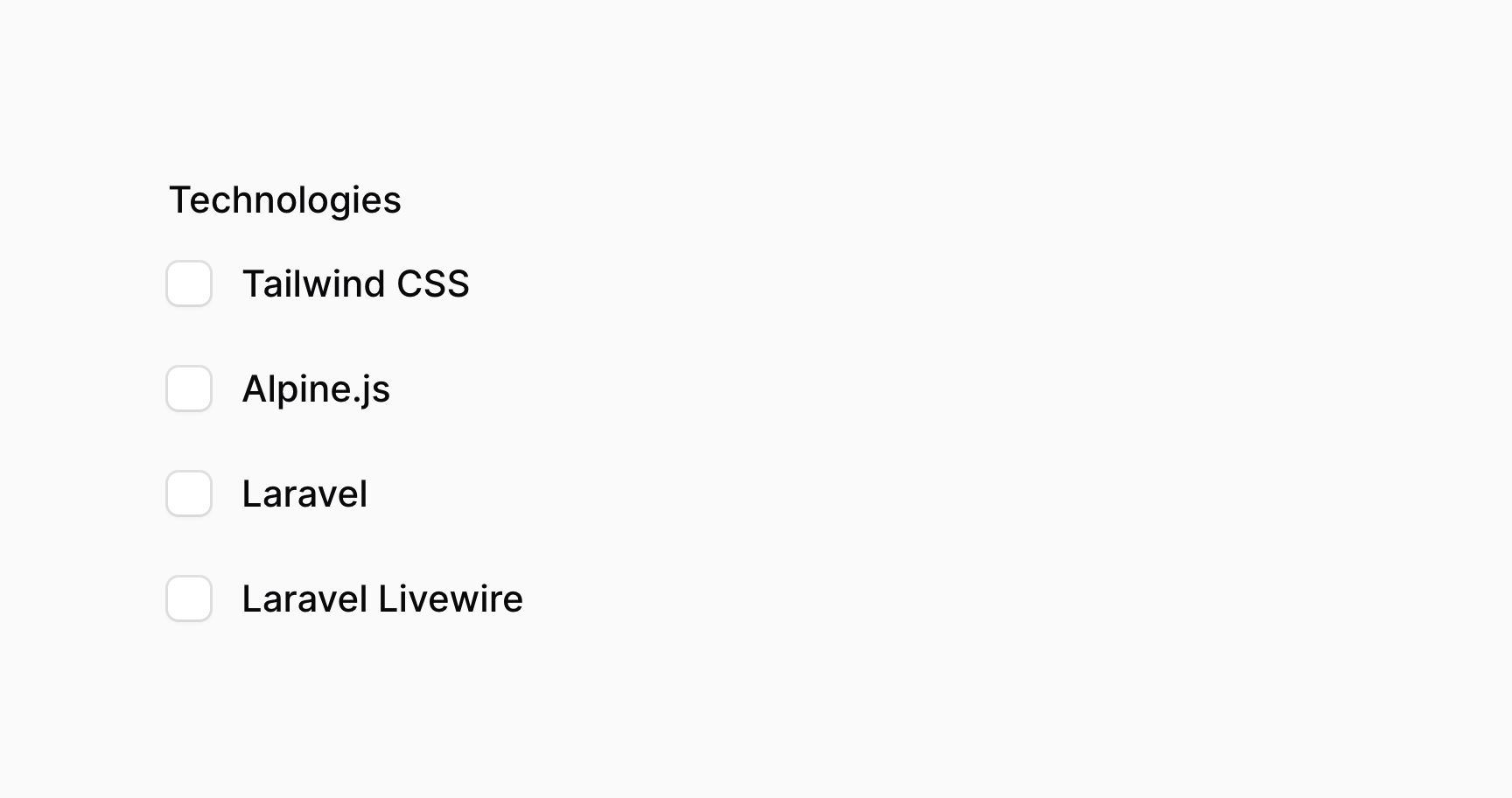

这些选项以 JSON 格式返回。如果你使用 Eloquent 保存数据,你应该添加 array casts 到对应的模型属性上:
use Illuminate\Database\Eloquent\Model;

class App extends Model
{
    protected $casts = [
        'technologies' => 'array',
    ];

    // ...
}
设置选项描述
使用 descriptions() 方法,你可以选择为每个选项提供描述。该方法接收一个普通文本字符串,或者 Illuminate\Support\HtmlString 和 Illuminate\Contracts\Support\Htmlable 实例。这就允许你在描述中渲染 HTML 甚至 Markdown 文本:
use Filament\Forms\Components\CheckboxList;
use Illuminate\Support\HtmlString;

CheckboxList::make('technologies')
    ->options([
        'tailwind' => 'Tailwind CSS',
        'alpine' => 'Alpine.js',
        'laravel' => 'Laravel',
        'livewire' => 'Laravel Livewire',
    ])
    ->descriptions([
        'tailwind' => 'A utility-first CSS framework for rapidly building modern websites without ever leaving your HTML.',
        'alpine' => new HtmlString('A rugged, minimal tool for composing behavior <strong>directly in your markup</strong>.'),
        'laravel' => str('A **web application** framework with expressive, elegant syntax.')->inlineMarkdown()->toHtmlString(),
        'livewire' => 'A full-stack framework for Laravel building dynamic interfaces simple, without leaving the comfort of Laravel.',
    ])
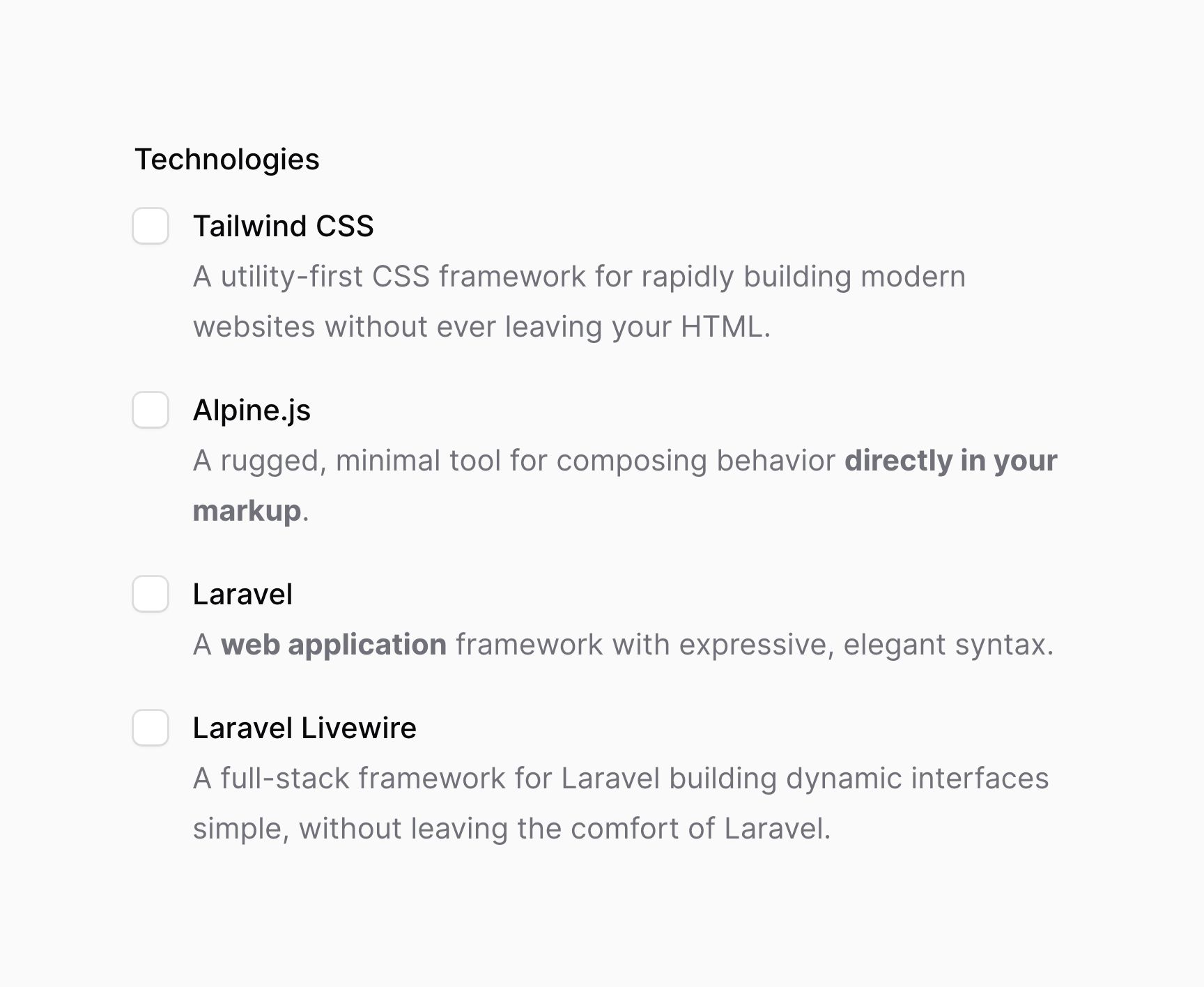
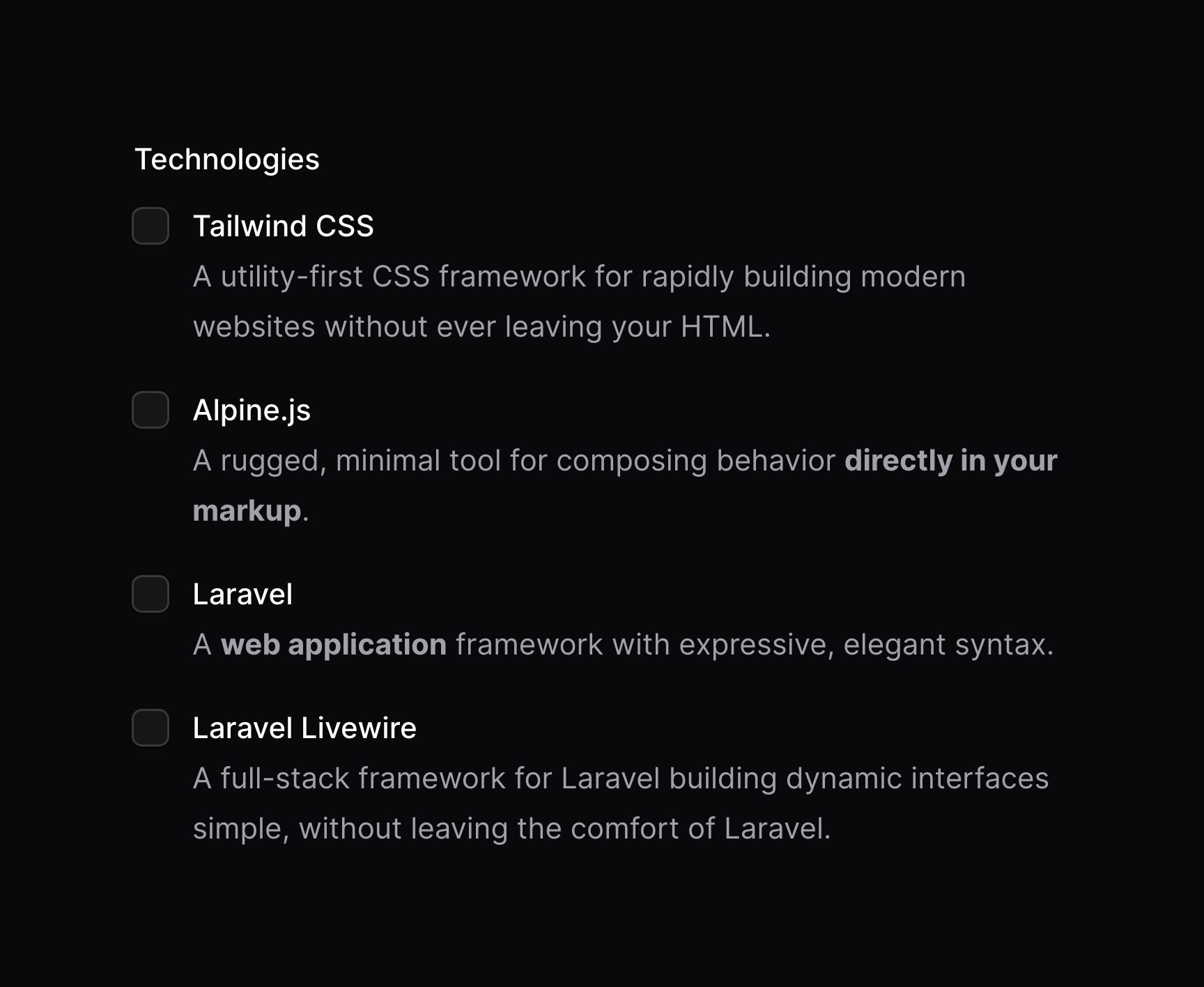
请确保在描述中使用与选项数组相同的 key,这样描述才能与选项匹配。
将选项拆分成多列
使用 columns() 方法,你可以将选项拆分成多列:
use Filament\Forms\Components\CheckboxList;

CheckboxList::make('technologies')
    ->options([
        // ...
    ])
    ->columns(2)
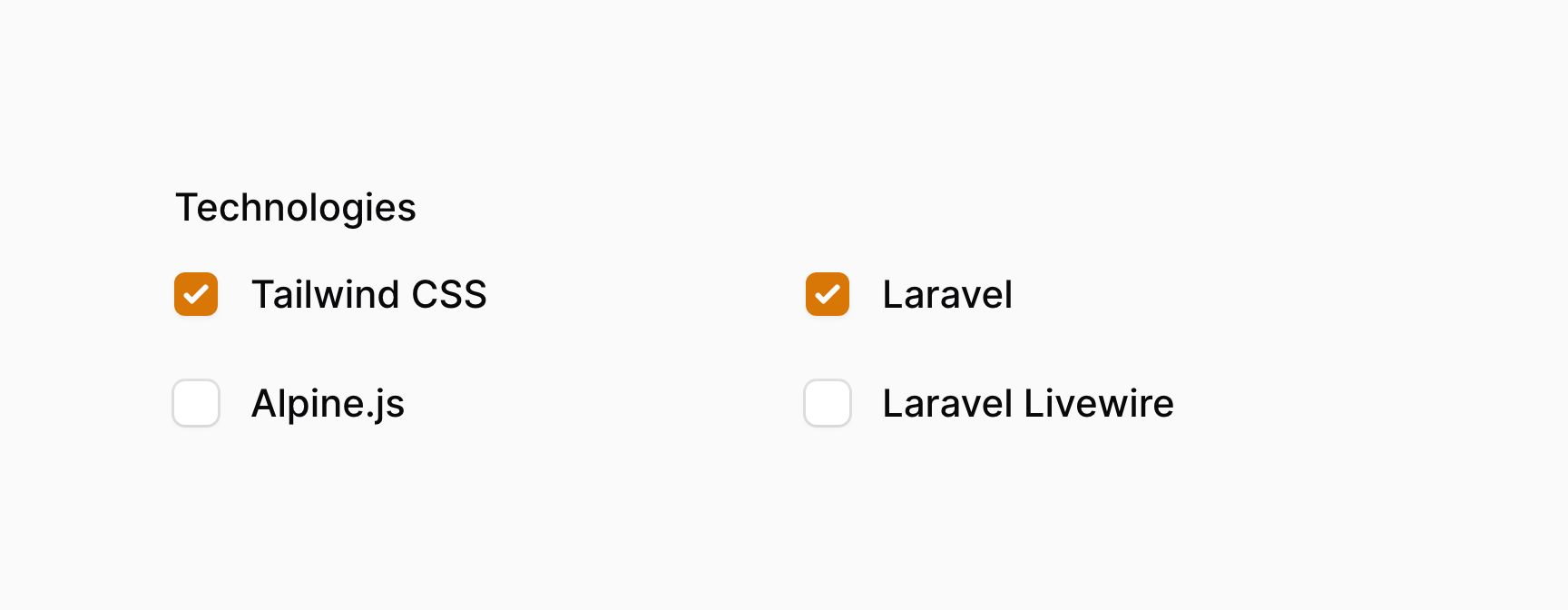
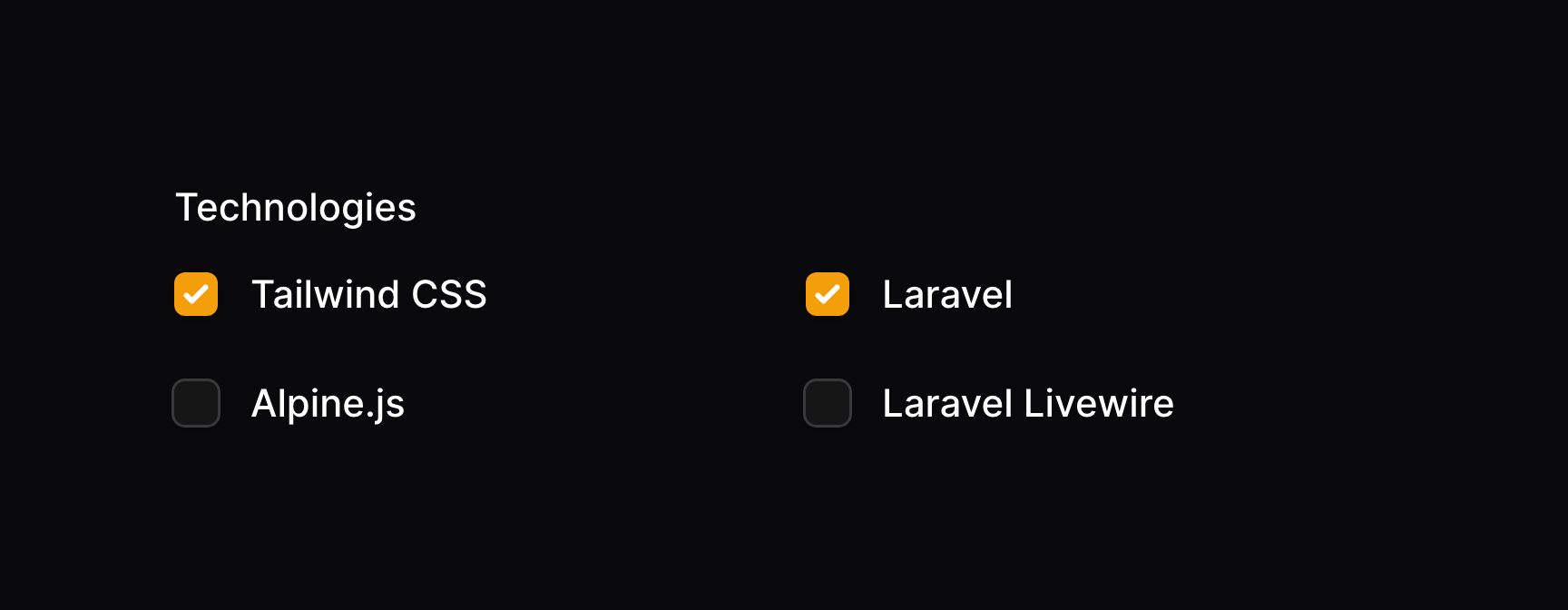
该方法接收和网格的 columns() 方法相同的选项。这就允许你在不同的临界点中响应式地自定义列数。
设置网格方向
默认情况下,列中的复选框列表按垂直方向排列。如果你想将其进行水平排列,你可以使用 gridDirection('row') 方法:
use Filament\Forms\Components\CheckboxList;

CheckboxList::make('technologies')
    ->options([
        // ...
    ])
    ->columns(2)
    ->gridDirection('row')
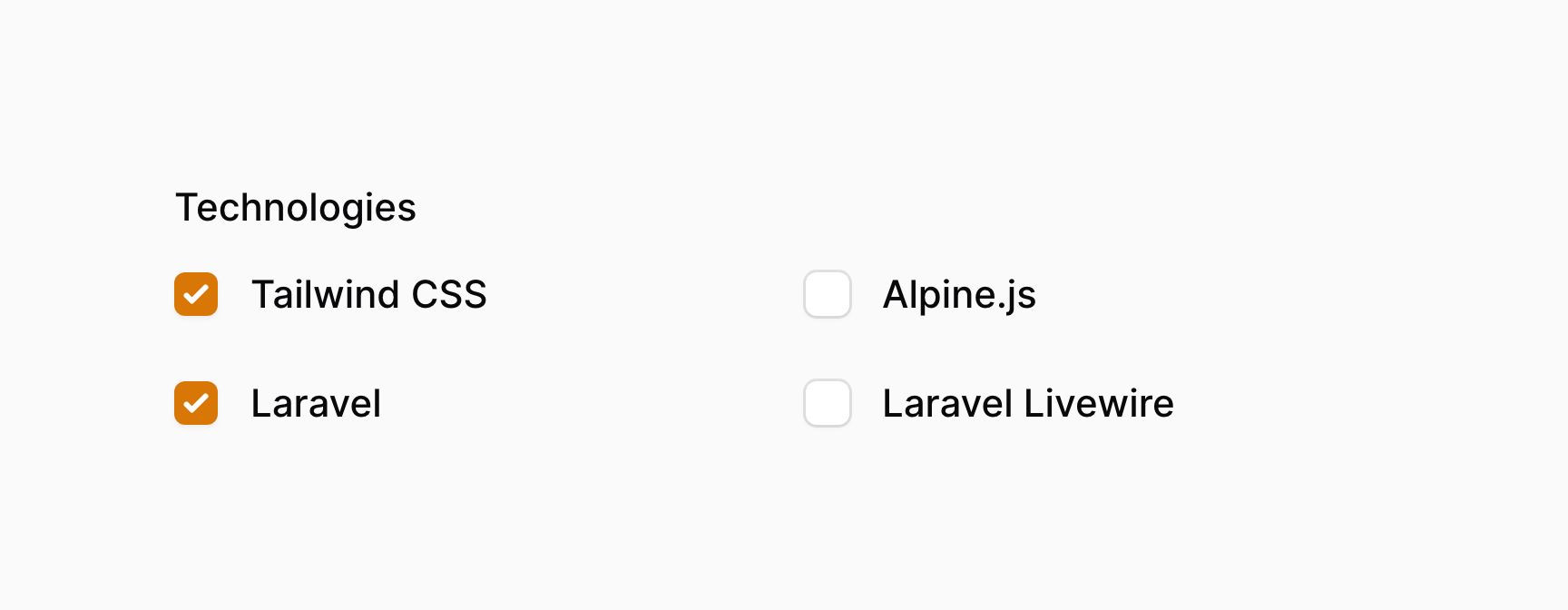
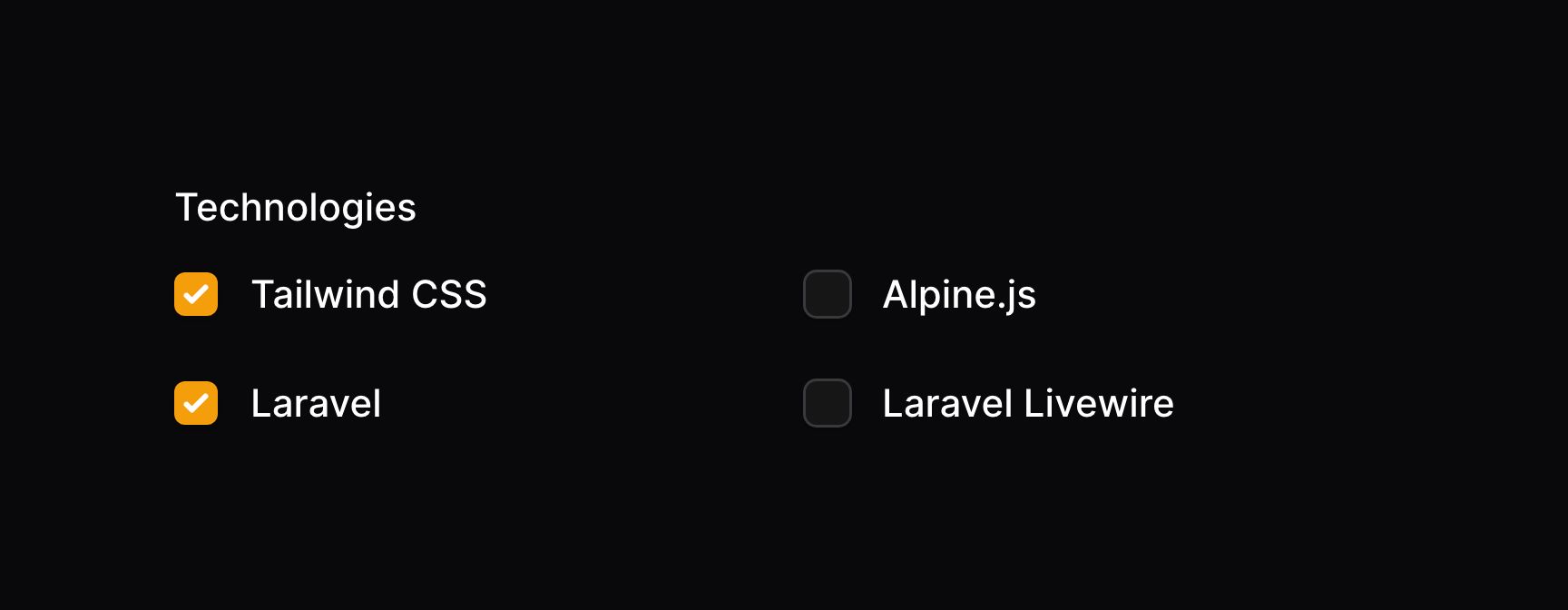
禁用特定选项
使用 disableOptionWhen() 方法,可以禁用特定选项。它接受一个闭包,在闭包中你可以检测选项是否是特定要被禁用的 $value 值:
use Filament\Forms\Components\CheckboxList;

CheckboxList::make('technologies')
    ->options([
        'tailwind' => 'Tailwind CSS',
        'alpine' => 'Alpine.js',
        'laravel' => 'Laravel',
        'livewire' => 'Laravel Livewire',
    ])
    ->disableOptionWhen(fn (string $value): bool => $value === 'livewire')
如果你想检索选项是否未被禁用,比如,为了验证数据,你可以使用 getEnabledOptions():
use Filament\Forms\Components\CheckboxList;

CheckboxList::make('technologies')
    ->options([
        'tailwind' => 'Tailwind CSS',
        'alpine' => 'Alpine.js',
        'laravel' => 'Laravel',
        'livewire' => 'Laravel Livewire',
        'heroicons' => 'SVG icons',
    ])
    ->disableOptionWhen(fn (string $value): bool => $value === 'heroicons')
    ->in(fn (CheckboxList $component): array => array_keys($component->getEnabledOptions()))
搜索选项
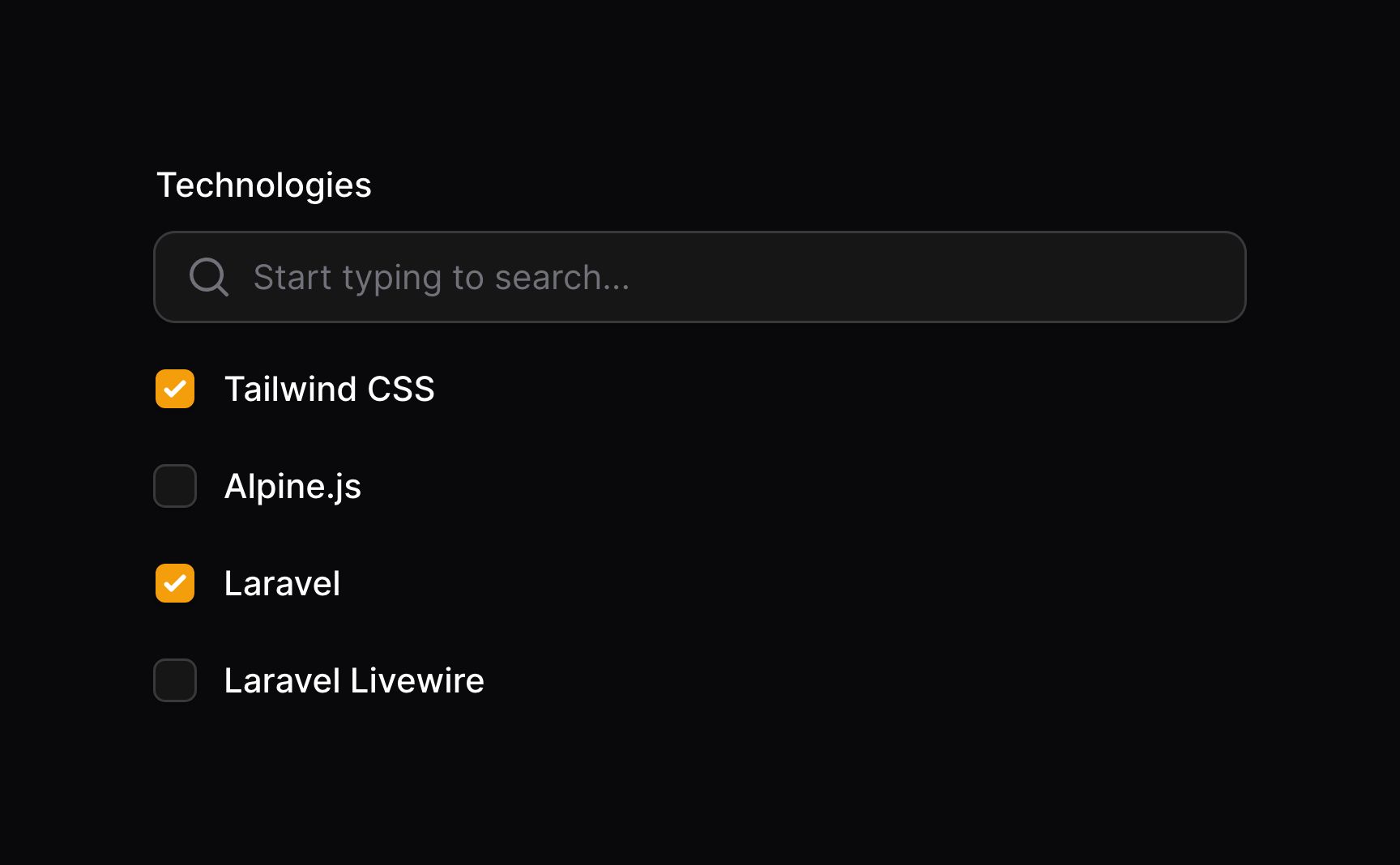
使用 searchable() 方法,你可以启用搜索框,以快速访问选项:
use Filament\Forms\Components\CheckboxList;

CheckboxList::make('technologies')
    ->options([
        // ...
    ])
    ->searchable()
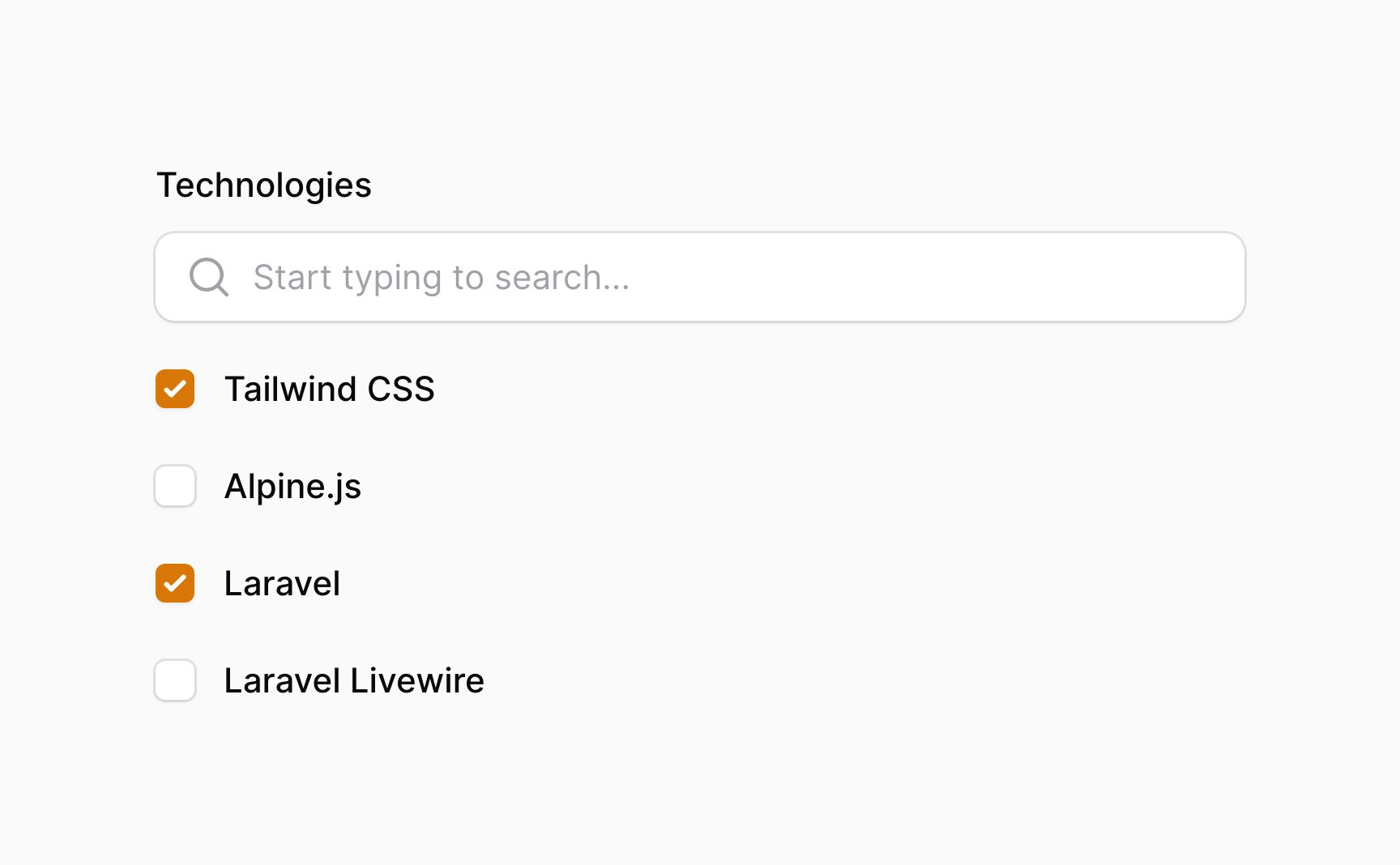
批量切换复选框
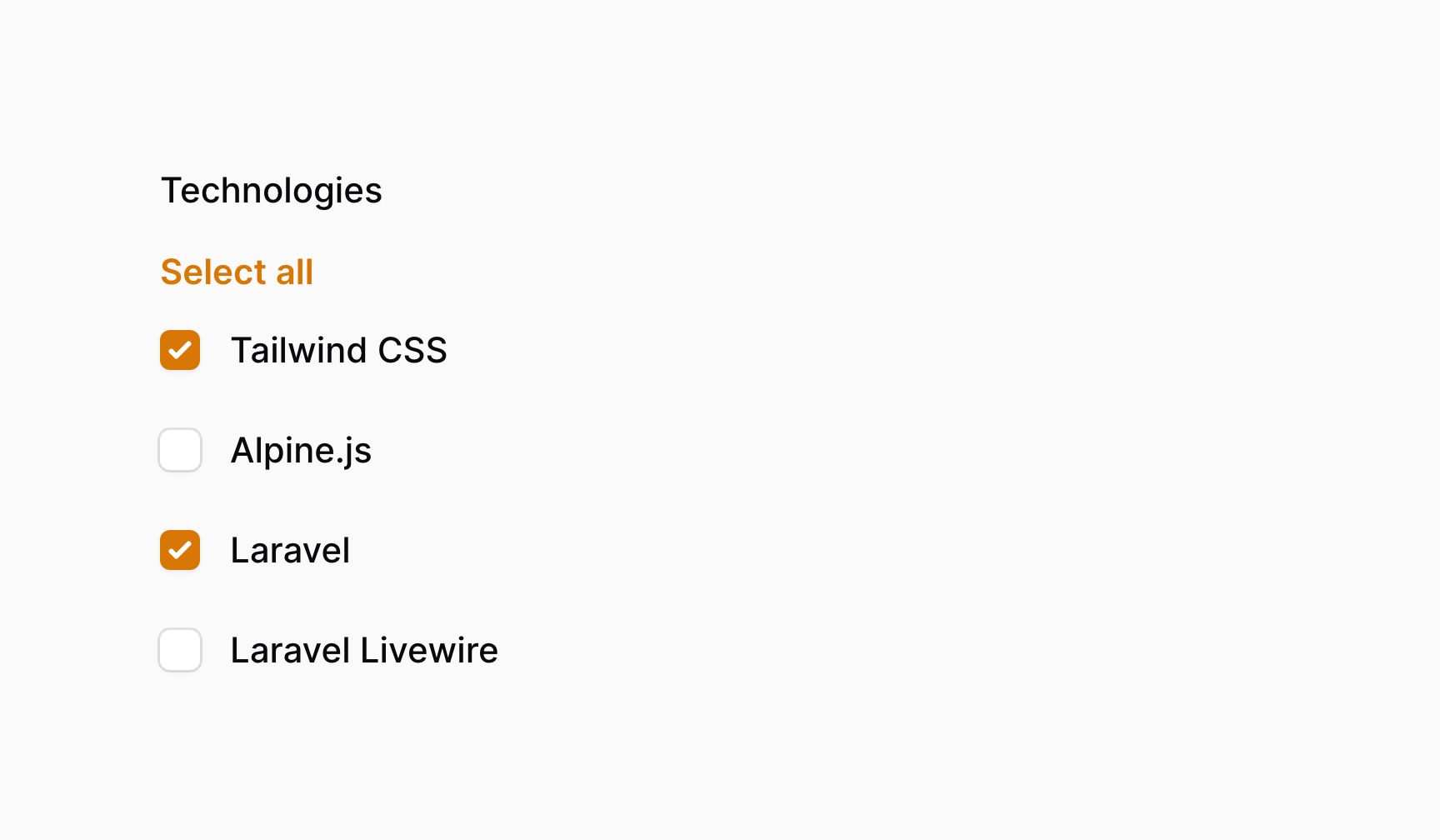
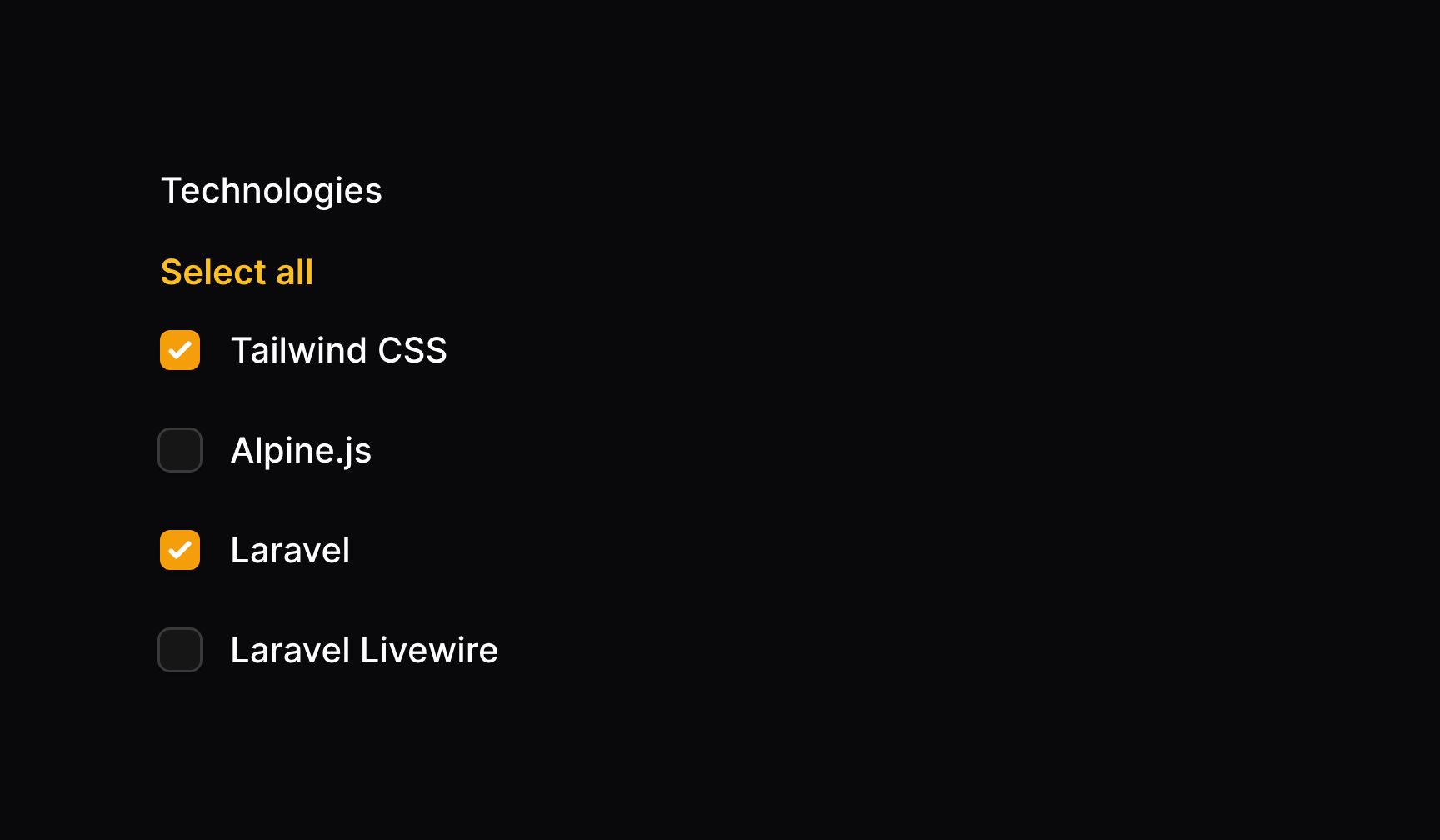
使用 bulkToggleable() 方法,你可以允许用户一次性切换所有复选框:
use Filament\Forms\Components\CheckboxList;

CheckboxList::make('technologies')
    ->options([
        // ...
    ])
    ->bulkToggleable()
集成 Eloquent 关联
如果你在 Livewire 组件内创建表单,请确保设置好表单模型。否则,Filament 不知道应该使用哪个模型去检索关联。
你可以使用 CheckboxList 上的 relationship() 方法配置 BelongsToMany 关联。Filament 将从关联中加载项目数据,并在表单提交后将其保存回关联的中间表中。titleAttribute 是用于为每个选项生成标签的字段名:
use Filament\Forms\Components\CheckboxList;

CheckboxList::make('technologies')
    ->relationship(titleAttribute: 'name')
当 disabled() 和 relationship() 一起使用时,请确保 disabled() 的调用在 relationship() 之前。这可以确保在 relationship() 中进行 dehydrated() 调用不会被 disabled() 调用覆盖:
use Filament\Forms\Components\CheckboxList;

CheckboxList::make('technologies')
    ->disabled()
    ->relationship(titleAttribute: 'name')
自定义关联查询
你可以使用 relationship() 方法的 modifyOptionsQueryUsing 参数,自定义检索选项的数据库查询:
use Filament\Forms\Components\CheckboxList;
use Illuminate\Database\Eloquent\Builder;

CheckboxList::make('technologies')
    ->relationship(
        titleAttribute: 'name',
        modifyQueryUsing: fn (Builder $query) => $query->withTrashed(),
    )
自定义关联选项标签
如果你想要自定义每个选项的标签,比如使之更具描述性,或者将姓和名组合,你可以在数据库迁移中使用虚拟字段:
$table->string('full_name')->virtualAs('concat(first_name, \' \', last_name)');
use Filament\Forms\Components\CheckboxList;

CheckboxList::make('authors')
    ->relationship(titleAttribute: 'full_name')
另外,你也可以使用 getOptionLabelFromRecordUsing() 方法将选项的 Eloquent 模型转换成标签:
use Filament\Forms\Components\CheckboxList;
use Illuminate\Database\Eloquent\Builder;
use Illuminate\Database\Eloquent\Model;

CheckboxList::make('authors')
    ->relationship(
        modifyQueryUsing: fn (Builder $query) => $query->orderBy('first_name')->orderBy('last_name'),
    )
    ->getOptionLabelFromRecordUsing(fn (Model $record) => "{$record->first_name} {$record->last_name}")
将中间表数据保存到关联
如果你的中间表有额外的列,你可以使用 pivotData() 方法指定应该其中保存的数据:
use Filament\Forms\Components\CheckboxList;

CheckboxList::make('primaryTechnologies')
    ->relationship(name: 'technologies', titleAttribute: 'name')
    ->pivotData([
        'is_primary' => true,
    ])
设置没有搜索结果的自定义消息
使用可搜索的复选框列表时,你可能希望在没有找到搜索结果时显示一条自定义消息。为此,请使用 noSearchResultsMessage() 方法:
use Filament\Forms\Components\CheckboxList;

CheckboxList::make('technologies')
    ->options([
        // ...
    ])
    ->searchable()
    ->noSearchResultsMessage('No technologies found.')
设置自定义搜索提示
使用可搜索的复选框列表时,你可能希望在用户还未输入搜索条件时显示自定义消息。为此,请使用 searchPrompt() 方法:
use Filament\Forms\Components\CheckboxList;

CheckboxList::make('technologies')
    ->options([
        // ...
    ])
    ->searchable()
    ->searchPrompt('Search for a technology')
调整搜索抖动
默认情况下,当用户输入到可搜索的复选框列表时,Filament 会在搜索选项之前等待 1000 毫秒(1 秒)。如果用户持续输入到搜索框,搜索之间也会等待 1000 毫秒。你可以使用 searchDebounce() 方法,对此进行修改:
use Filament\Forms\Components\CheckboxList;

CheckboxList::make('technologies')
    ->options([
        // ...
    ])
    ->searchable()
    ->searchDebounce(500)
自定义复选框列表 Action 对象
该字段使用 action 对象,在其中对按钮进行自定义。通过传递一个函数到 action 注册方法中,可以自定义这些按钮。该函数可以访问 $action 对象,用于自定义。下面是一些可以用于自定义 action 的方法:
selectAllAction()deselectAllAction()
下面是一个如何自定义 action 的示例:
use Filament\Forms\Components\Actions\Action;
use Filament\Forms\Components\CheckboxList;

CheckboxList::make('technologies')
    ->options([
        // ...
    ])
    ->selectAllAction(
        fn (Action $action) => $action->label('Select all technologies'),
    )