Select
概述
Select 组件允许你从一组预定义的选项列表中进行选择:
use Filament\Forms\Components\Select;

Select::make('status')
    ->options([
        'draft' => 'Draft',
        'reviewing' => 'Reviewing',
        'published' => 'Published',
    ])
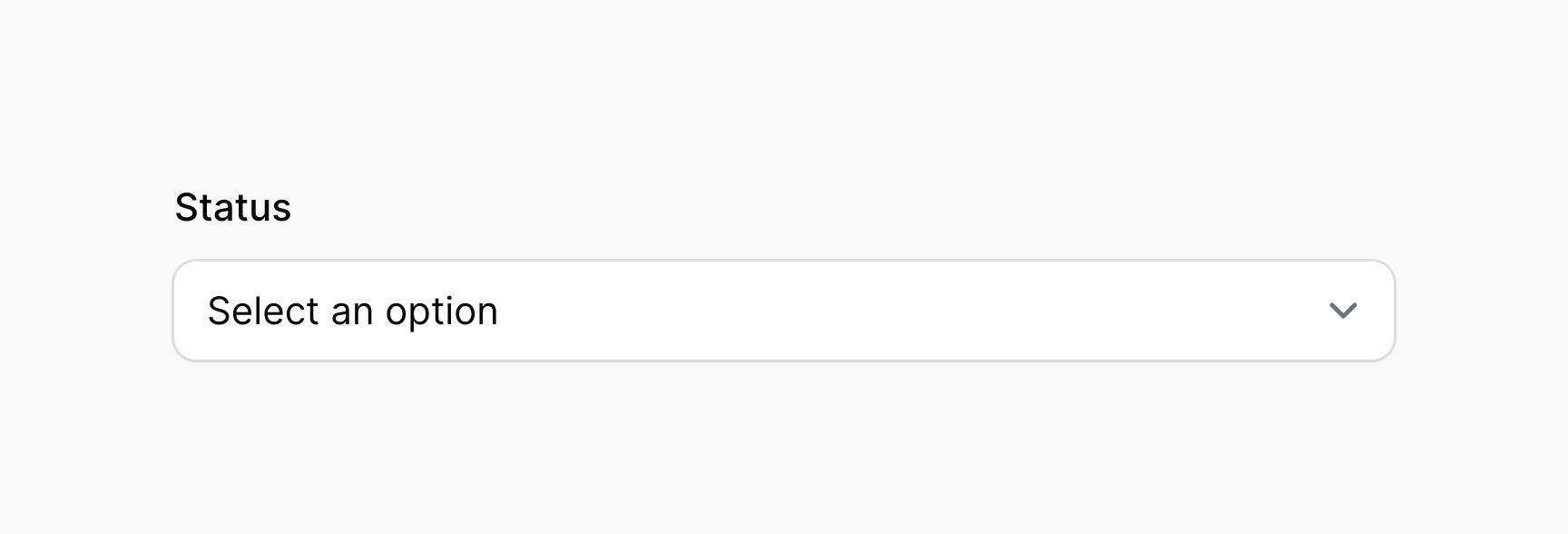
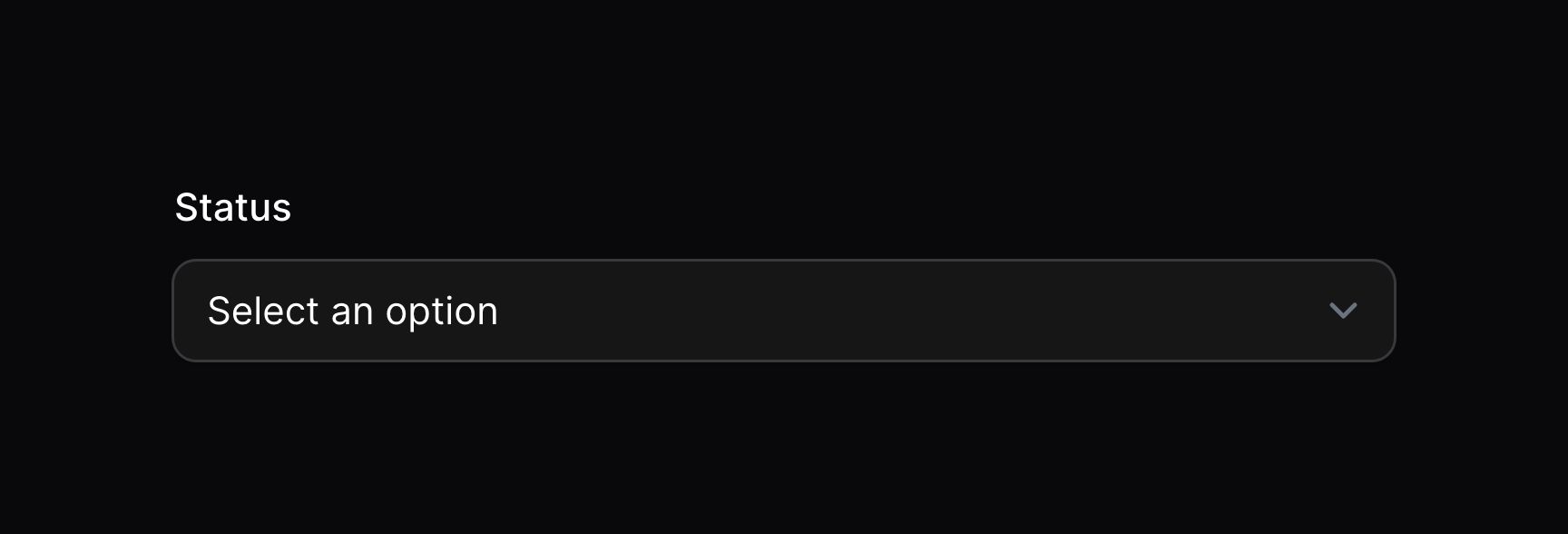
启用 JavaScript 下拉列表
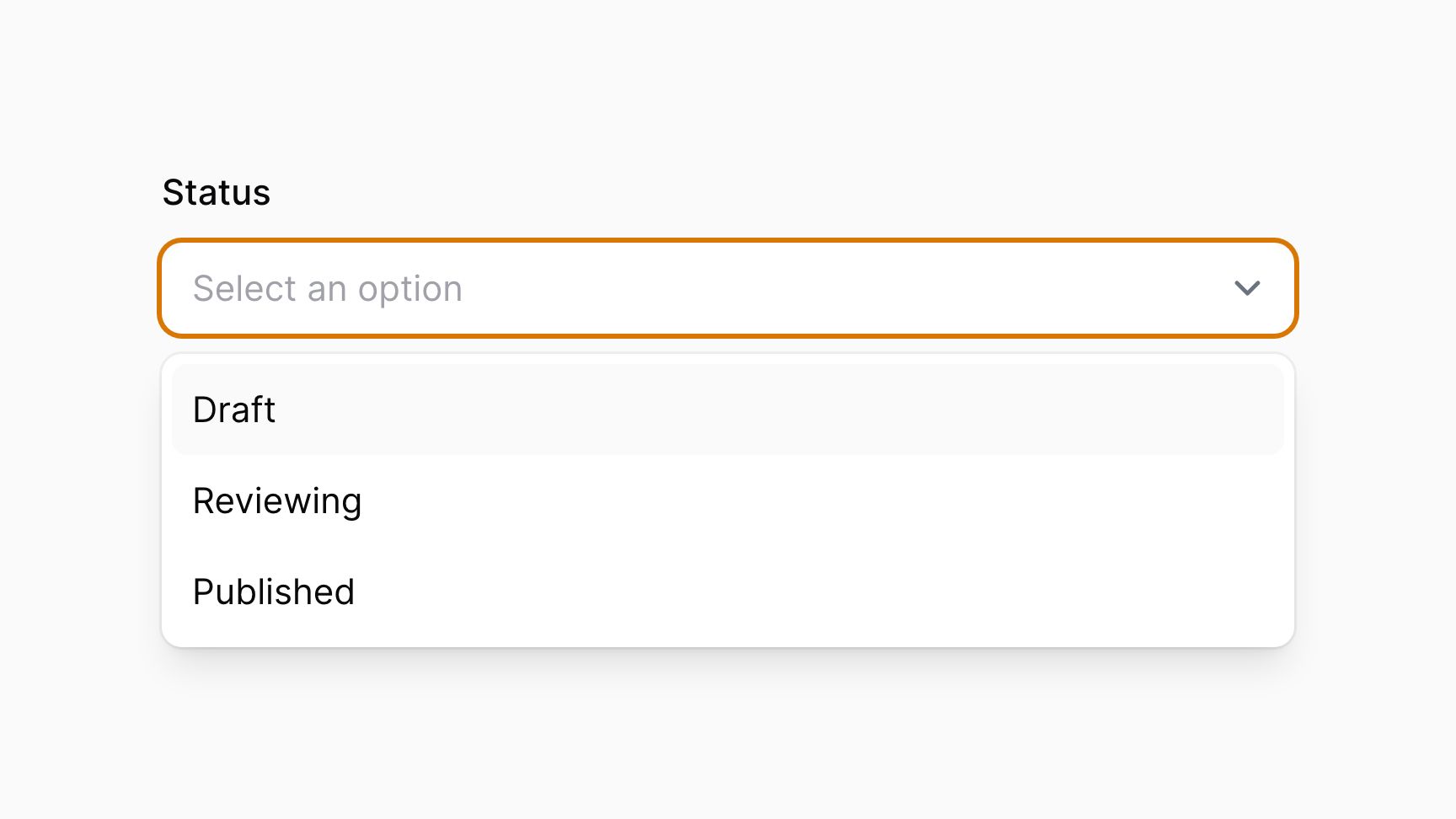
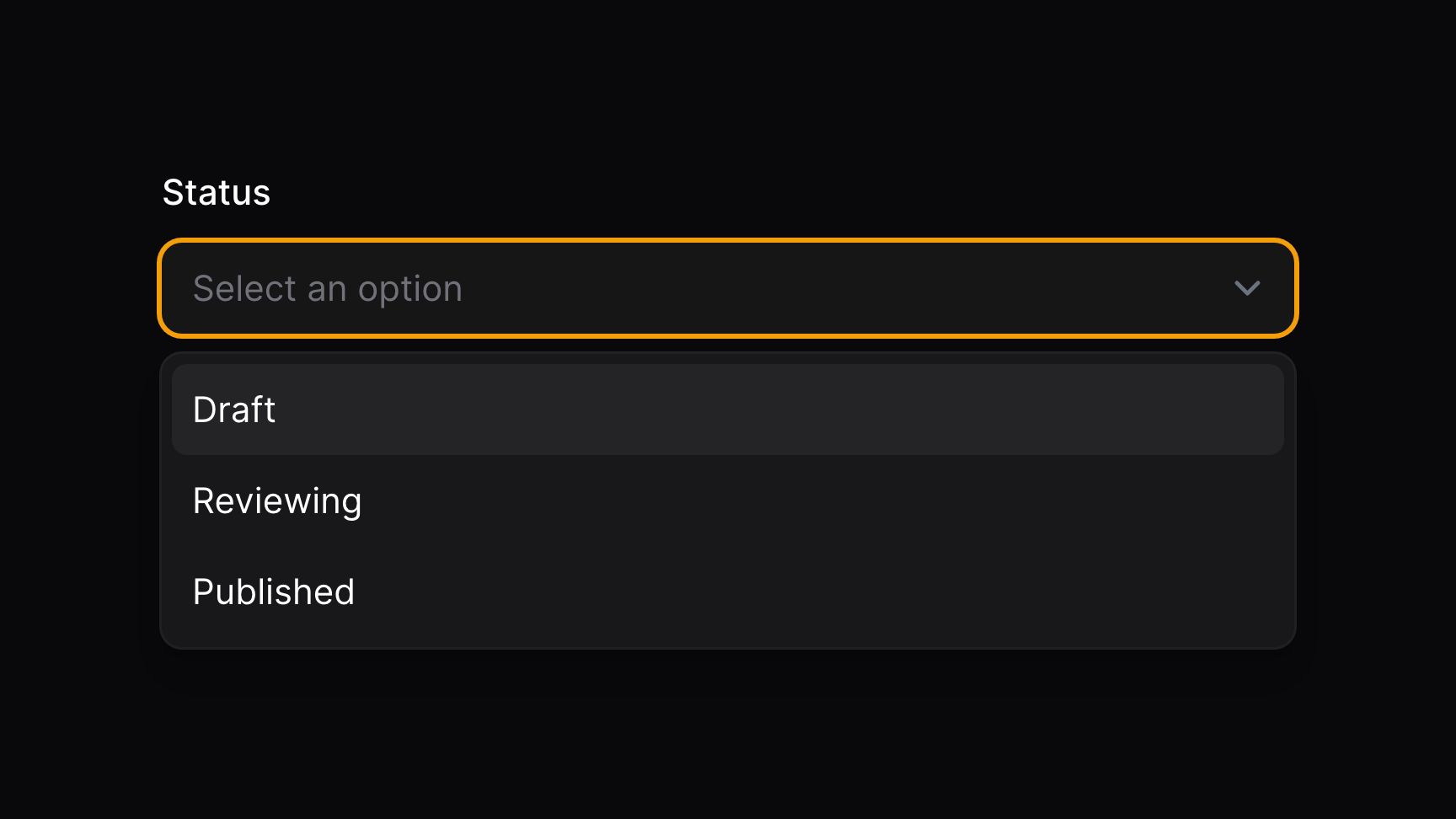
默认情况下,Filament 使用本机 HTML5 下拉列表。使用 native(false) 方法,你可以启用更可自定义的 Javascript 下拉列表:
use Filament\Forms\Components\Select;

Select::make('status')
    ->options([
        'draft' => 'Draft',
        'reviewing' => 'Reviewing',
        'published' => 'Published',
    ])
    ->native(false)
搜索选项
使用 searchable() 方法,你可以启用搜索框,以方便获取选项:
use Filament\Forms\Components\Select;

Select::make('author_id')
    ->label('Author')
    ->options(User::all()->pluck('name', 'id'))
    ->searchable()
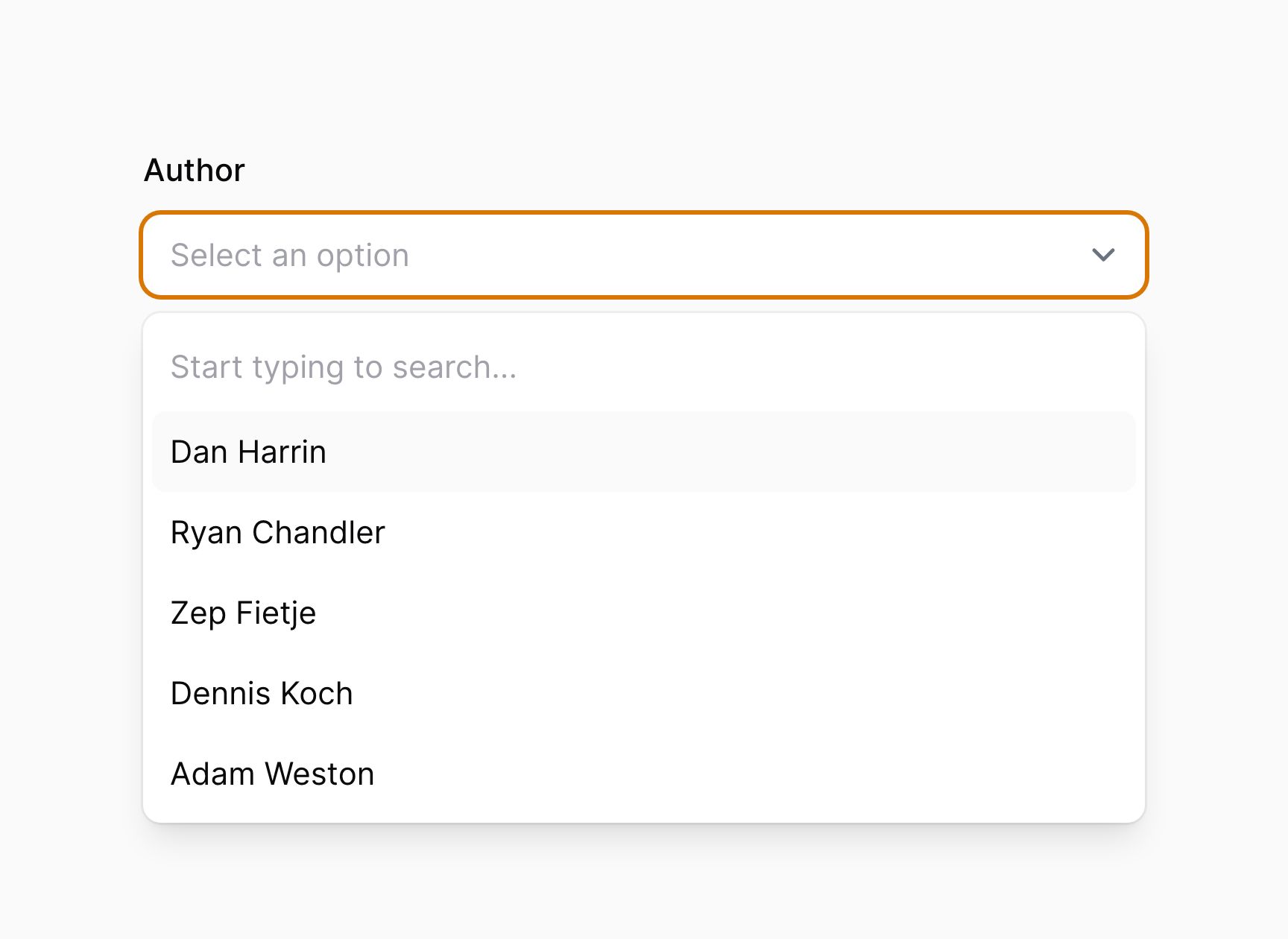
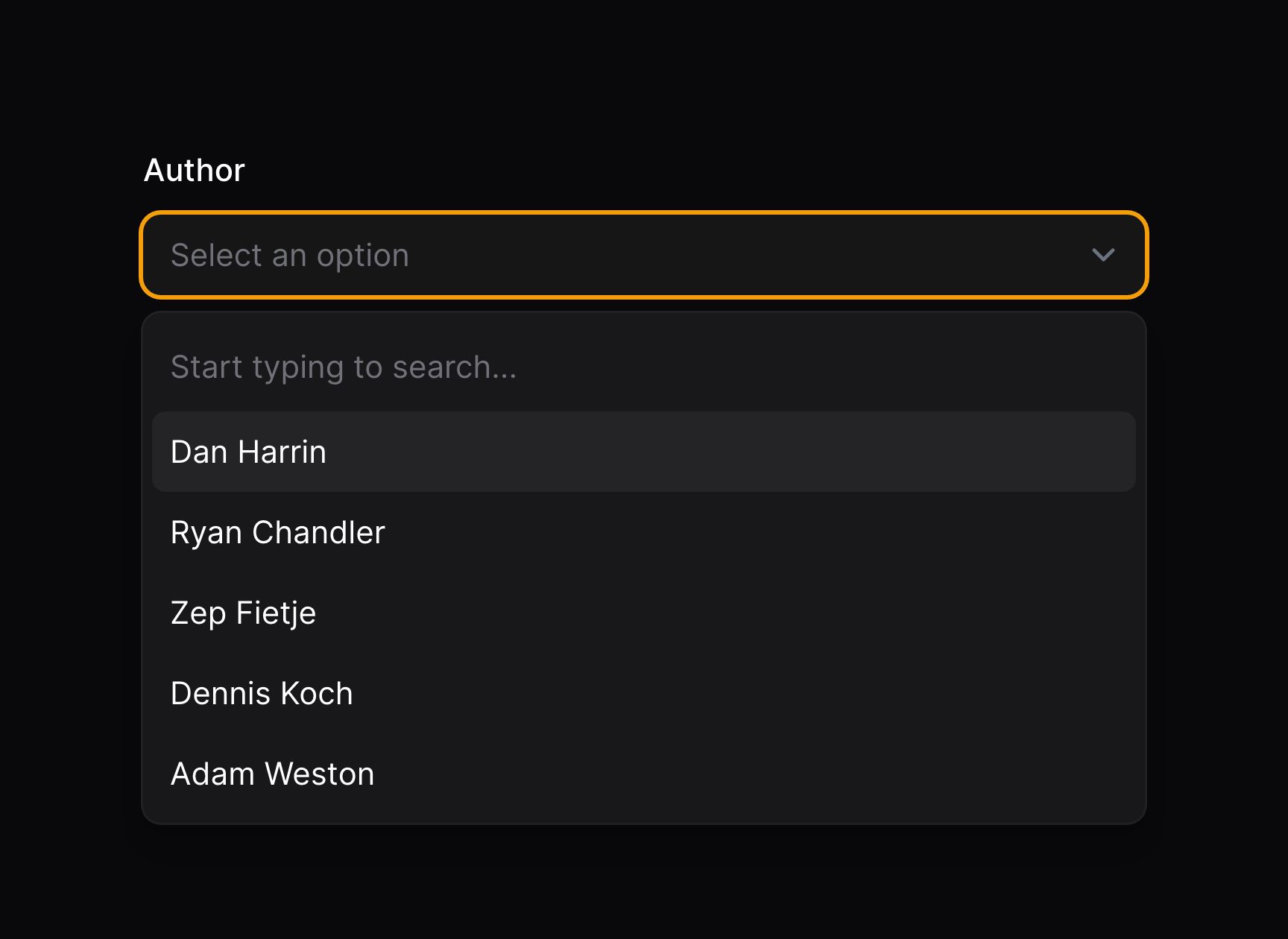
返回自定义搜索结果
如果你有很多选项并想要基于数据库搜索或者其他外部数据源弹出数据,你可以使用 getSearchResultsUsing() 和 getOptionLabelUsing() 方法,而不是 options()。
getSearchResultsUsing() 方法接收一个返回 $key => $value 格式搜索结果的回调函数。当前用户搜索可通过 $search 获取,你应该使用它来过滤结果。
getOptionLabelUsing() 方法接收一个将选中的选项 $value 转换成标签的回调函数。它用在表单初次加载,用户还未进行搜索时。否则用于展示当前选择选项的标签将会不可用。
如果你想提供自定义搜索结果,则必须在下拉列表中同时使用 getSearchResultsUsing() 和 getOptionLabelUsing():
Select::make('author_id')
    ->searchable()
    ->getSearchResultsUsing(fn (string $search): array => User::where('name', 'like', "%{$search}%")->limit(50)->pluck('name', 'id')->toArray())
    ->getOptionLabelUsing(fn ($value): ?string => User::find($value)?->name),
Multi-select
在 Select 组件上使用 multiple() 方法,允许你从列表中选择多个值:
use Filament\Forms\Components\Select;

Select::make('technologies')
    ->multiple()
    ->options([
        'tailwind' => 'Tailwind CSS',
        'alpine' => 'Alpine.js',
        'laravel' => 'Laravel',
        'livewire' => 'Laravel Livewire',
    ])
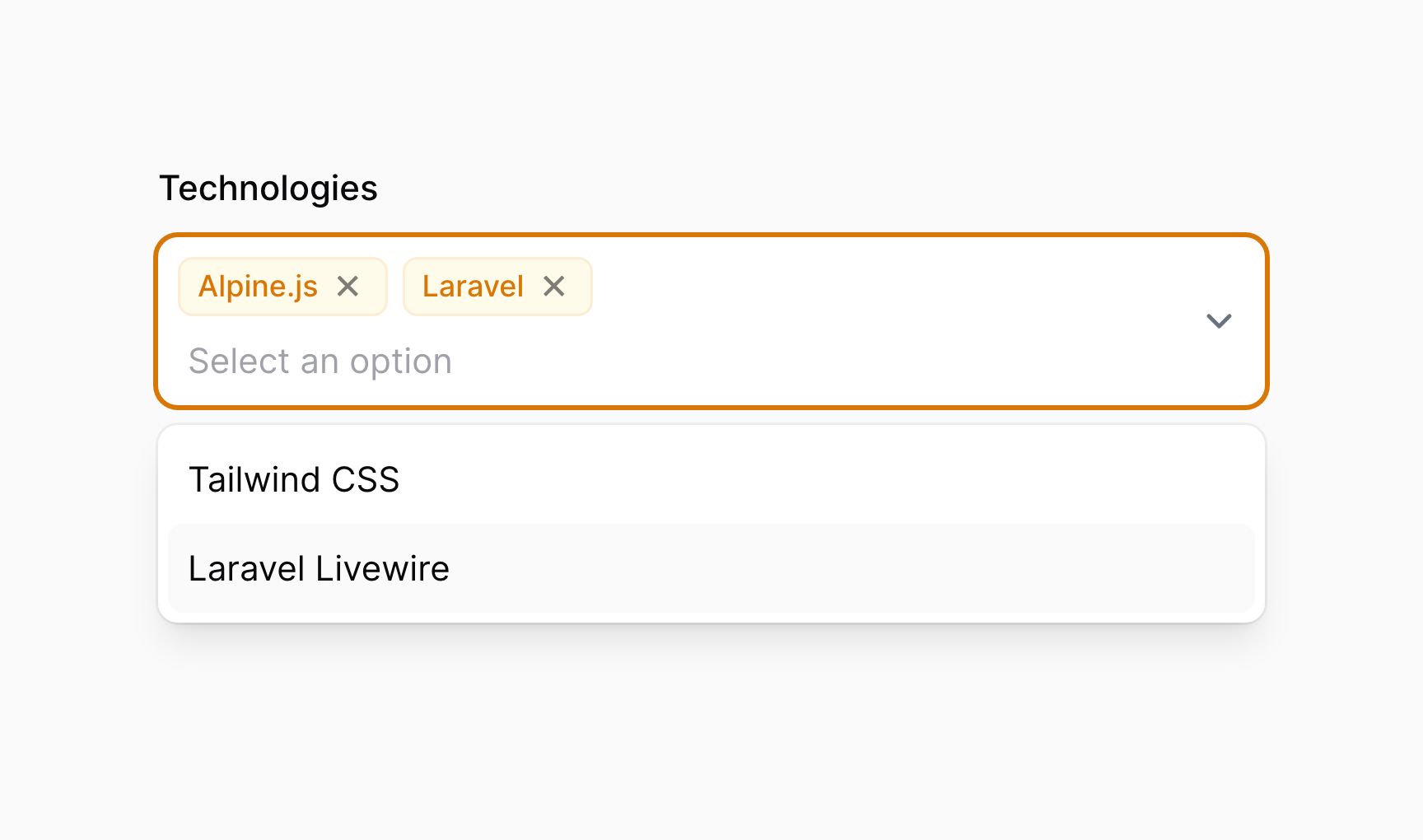
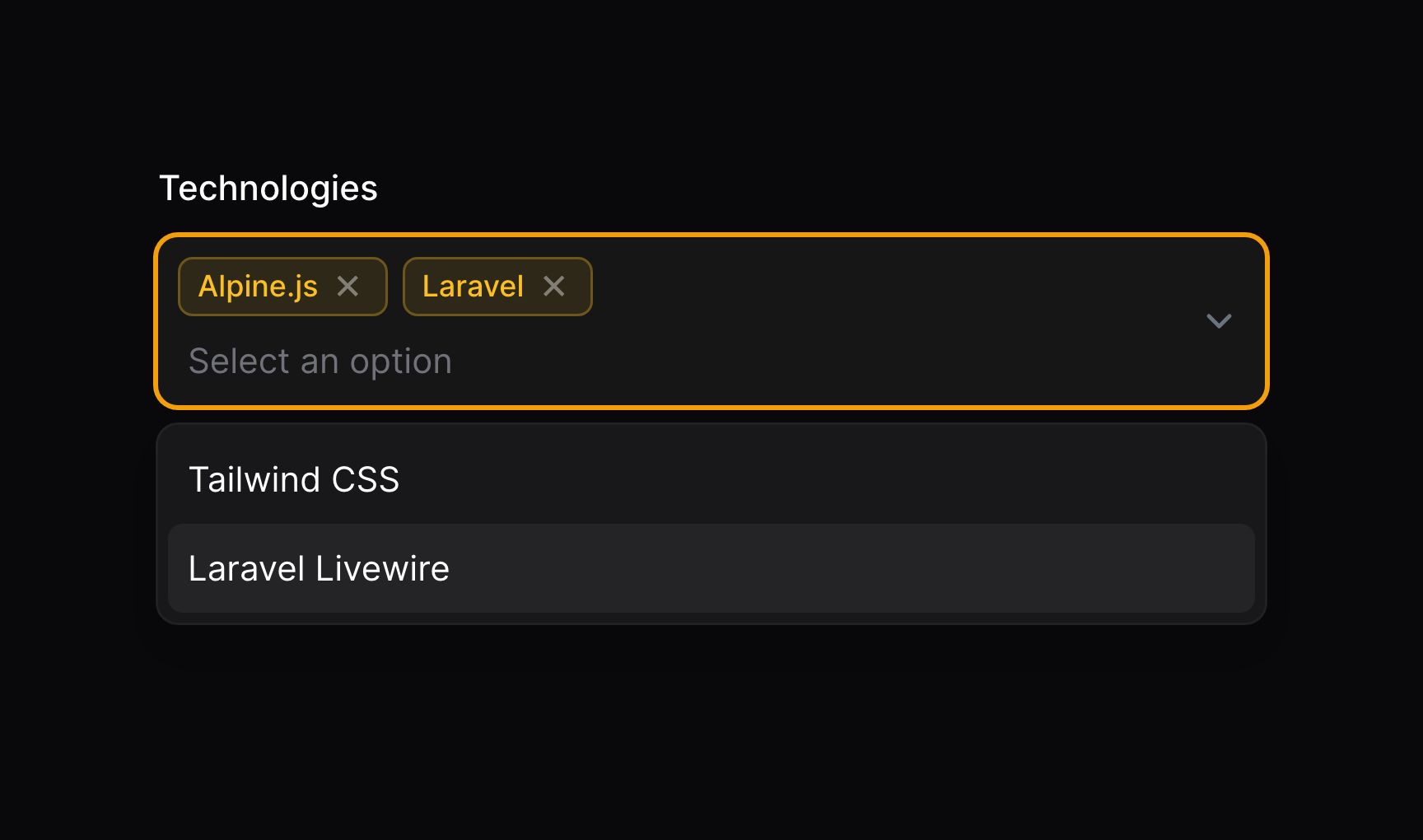
这些选项以 JSON 格式返回。如果你使用 Eloquent 保存,请确保将 array casts 添加到对应的模型属性上:
use Illuminate\Database\Eloquent\Model;

class App extends Model
{
    protected $casts = [
        'technologies' => 'array',
    ];

    // ...
}
如果你要返回自定义搜索结果,应该定义 getOptionLabelsUsing() 而非 getSearchResultsUsing()。将 $values 而非 $value 传递给回调函数,你应该返回包含标签及其对应值的 $key => $value 标签数组:
Select::make('technologies')
    ->multiple()
    ->searchable()
    ->getSearchResultsUsing(fn (string $search): array => Technology::where('name', 'like', "%{$search}%")->limit(50)->pluck('name', 'id')->toArray())
    ->getOptionLabelsUsing(fn (array $values): array => Technology::whereIn('id', $values)->pluck('name', 'id')->toArray()),
选项分组
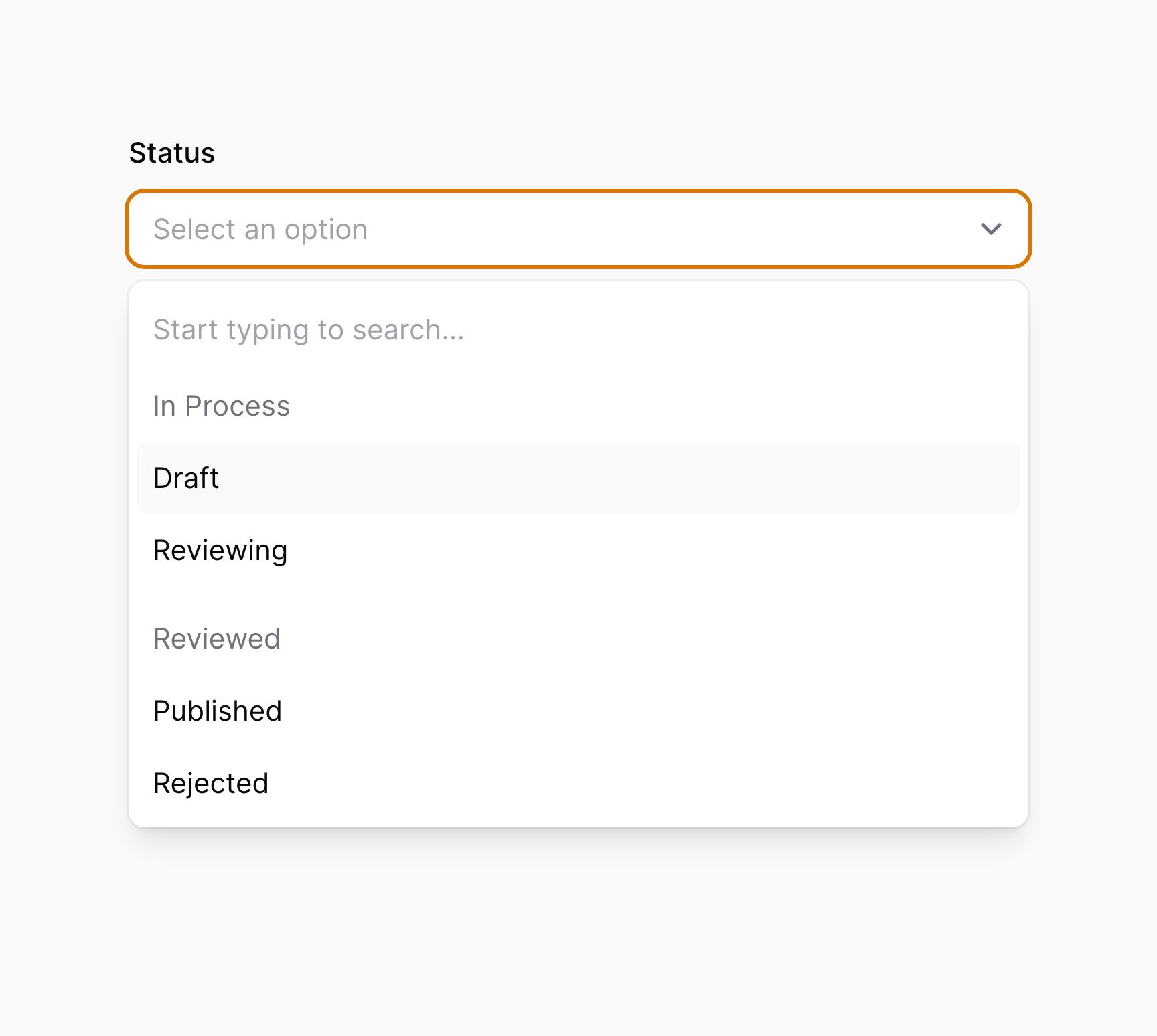
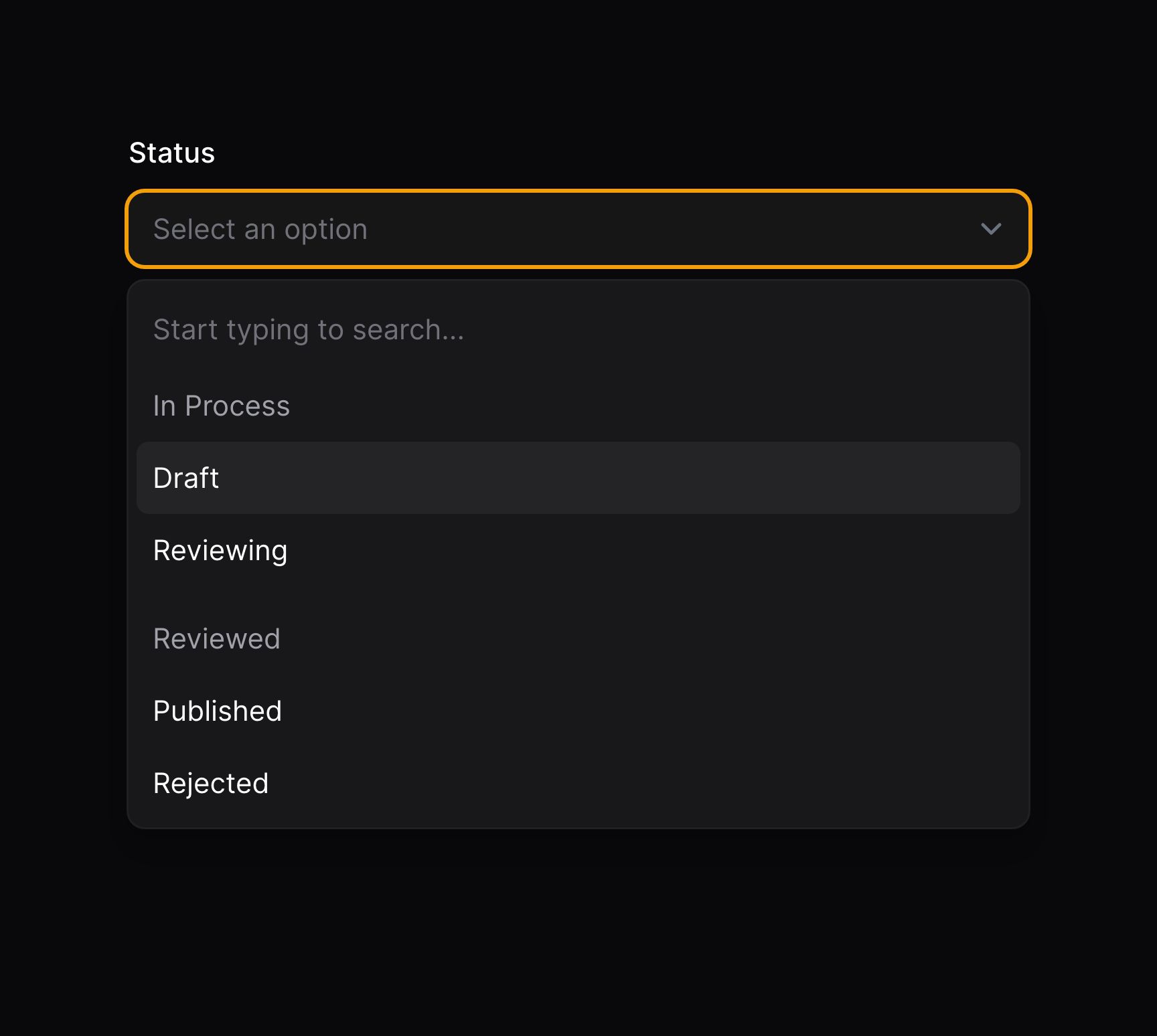
你可以将选项组合到一个标签下面,以便更好地组织它们。为此,请将分组数组传递给 options() 或者其他你通常会传递选项数组的地方。数组的键作为分组标签,数组值是该分组中的选项数组:
use Filament\Forms\Components\Select;

Select::make('status')
    ->searchable()
    ->options([
        'In Process' => [
            'draft' => 'Draft',
            'reviewing' => 'Reviewing',
        ],
        'Reviewed' => [
            'published' => 'Published',
            'rejected' => 'Rejected',
        ],
    ])
集成 Eloquent 关联
如果你在 Livewire 组件内创建表单,请确保设置好表单模型。否则,Filament 不知道应该使用哪个模型来检索关联。
你可以使用 Select 的 relationship() 方法来配置 BelongsTo 关联,以自动检索选项。titleAttribute 是用于为每个选项生成标签的字段名:
use Filament\Forms\Components\Select;

Select::make('author_id')
    ->relationship(name: 'author', titleAttribute: 'name')
multiple() 方法可以和 relationship() 一起使用,用于 BelongsToMany 关联。Filament 会自动从关联中加载选项,并且在表单提交后将其保存回关联的中间表。如果没有提供 name,Filament 将回使用关联名作为字段名:
use Filament\Forms\Components\Select;

Select::make('technologies')
    ->multiple()
    ->relationship(titleAttribute: 'name')
当 disabled() 和 relationship() 一起使用时,请确保 disabled() 的调用在 relationship() 之前。这可以确保在 relationship() 中进行 dehydrated() 调用不会被 disabled() 调用覆盖:
use Filament\Forms\Components\Select;

Select::make('technologies')
    ->multiple()
    ->disabled()
    ->relationship(titleAttribute: 'name')
在多个字段中搜索关联选项
默认情况下,如果 Select 也是可搜索的,Filament 将会基于关联的标题字段返回关联的搜索结果。如果你想在多个列中搜索,你可以将字段数组传递给 searchable() 方法:
use Filament\Forms\Components\Select;

Select::make('author_id')
    ->relationship(name: 'author', titleAttribute: 'name')
    ->searchable(['name', 'email'])
预加载关联选项
如果你希望在页面加载时弹出可搜索的选项,而不是在用户搜索时才弹出选项,你可以使用 preload() 方法:
use Filament\Forms\Components\Select;

Select::make('author_id')
    ->relationship(name: 'author', titleAttribute: 'name')
    ->searchable()
    ->preload()
排除当前记
当使用递归关联时,你可能希望从结果集中移除当前记录。
可以使用 ignoreRecord 参数实现该功能:
use Filament\Forms\Components\Select;

Select::make('parent_id')
    ->relationship(name: 'parent', titleAttribute: 'name', ignoreRecord: true)
自定义关联查询
你可以使用 relationship() 的第三个参数,自定义检索选项的数据库查询:
use Filament\Forms\Components\Select;
use Illuminate\Database\Eloquent\Builder;

Select::make('author_id')
    ->relationship(
        name: 'author',
        titleAttribute: 'name',
        modifyQueryUsing: fn (Builder $query) => $query->withTrashed(),
    )
自定义关联选项标签
如果你想为每个选项自定义标签,比如让其更有描述性,或者将姓和名组合起来,你可以在数据库迁移中使用虚拟(virtual)字段:
$table->string('full_name')->virtualAs('concat(first_name, \' \', last_name)');
use Filament\Forms\Components\Select;

Select::make('author_id')
    ->relationship(name: 'author', titleAttribute: 'full_name')
此外,你可以使用 getOptionLabelFromRecordUsing() 方法将选项的 Eloquent 模型转换成标签:
use Filament\Forms\Components\Select;
use Illuminate\Database\Eloquent\Builder;
use Illuminate\Database\Eloquent\Model;

Select::make('author_id')
    ->relationship(
        name: 'author',
        modifyQueryUsing: fn (Builder $query) => $query->orderBy('first_name')->orderBy('last_name'),
    )
    ->getOptionLabelFromRecordUsing(fn (Model $record) => "{$record->first_name} {$record->last_name}")
    ->searchable(['first_name', 'last_name'])
保存中间数据到关联
如果你使用了 multiple() 关联,并且你的中间表有额外的列,你可以使用 pivotData() 方法来指定要保存到它们之中的数据:
use Filament\Forms\Components\Select;

Select::make('primaryTechnologies')
    ->relationship(name: 'technologies', titleAttribute: 'name')
    ->multiple()
    ->pivotData([
        'is_primary' => true,
    ])
在模态框中创建新选项
你可以自定义用于创建新记录的表单,并将其附加到 BelongsTo 关联中:
use Filament\Forms\Components\Select;

Select::make('author_id')
    ->relationship(name: 'author', titleAttribute: 'name')
    ->createOptionForm([
        Forms\Components\TextInput::make('name')
            ->required(),
        Forms\Components\TextInput::make('email')
            ->required()
            ->email(),
    ]),
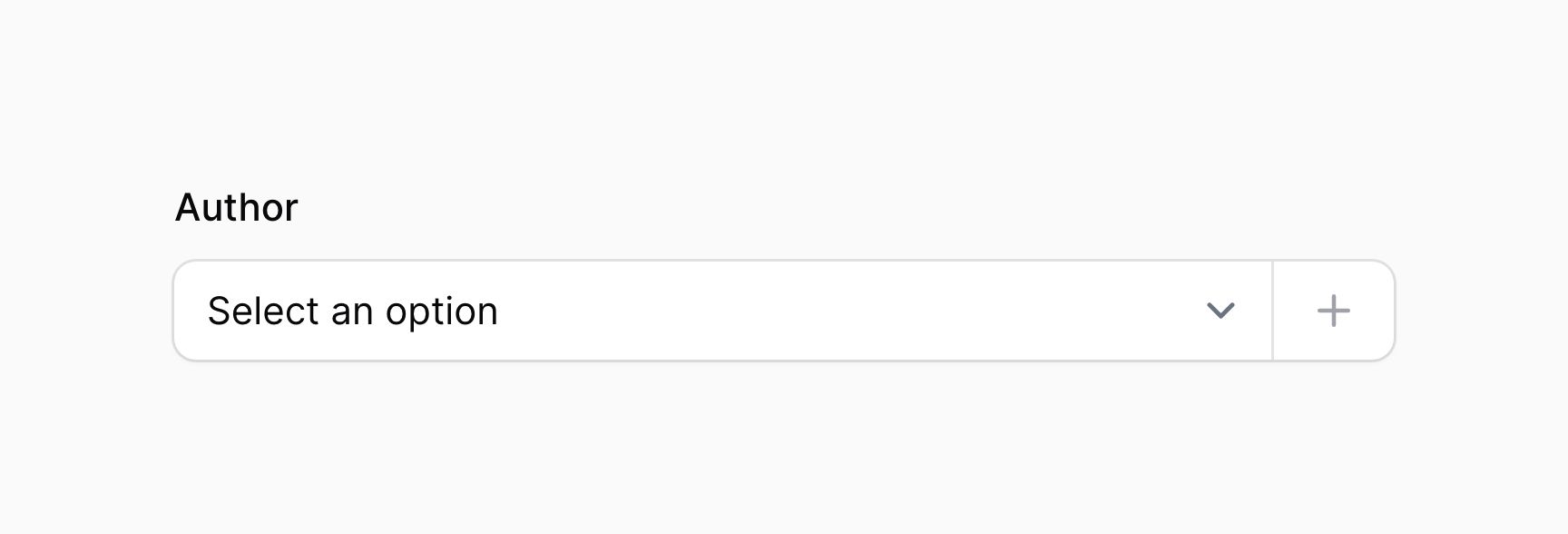
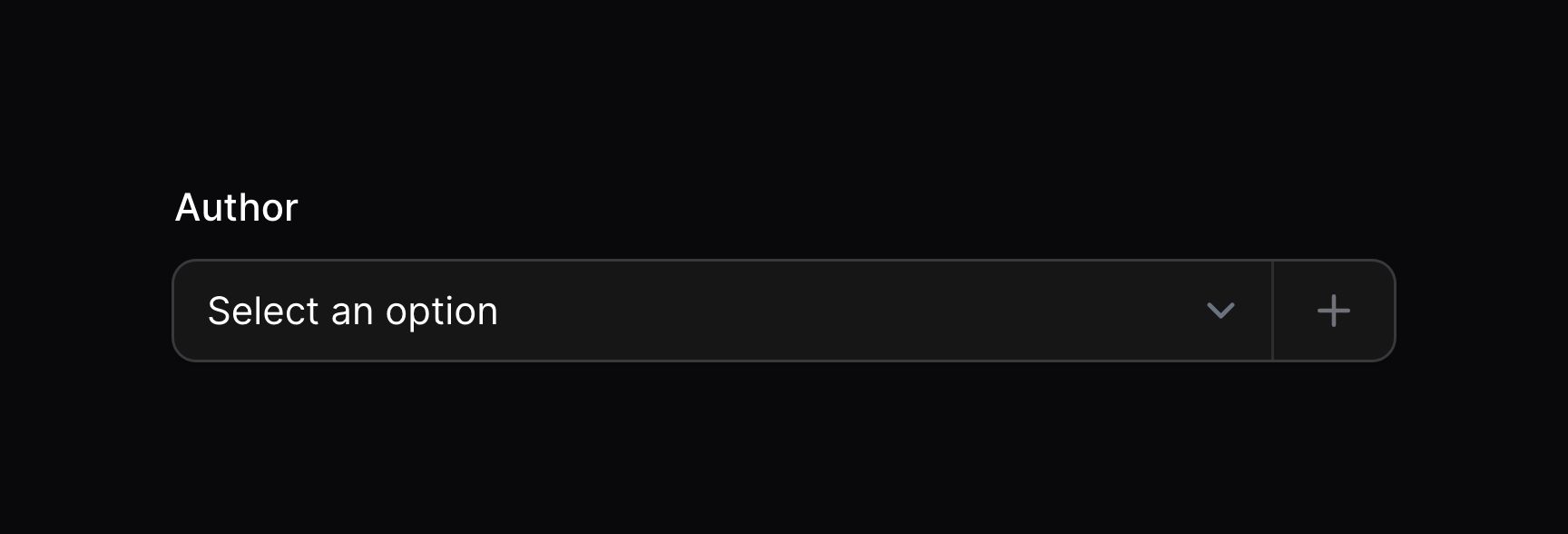
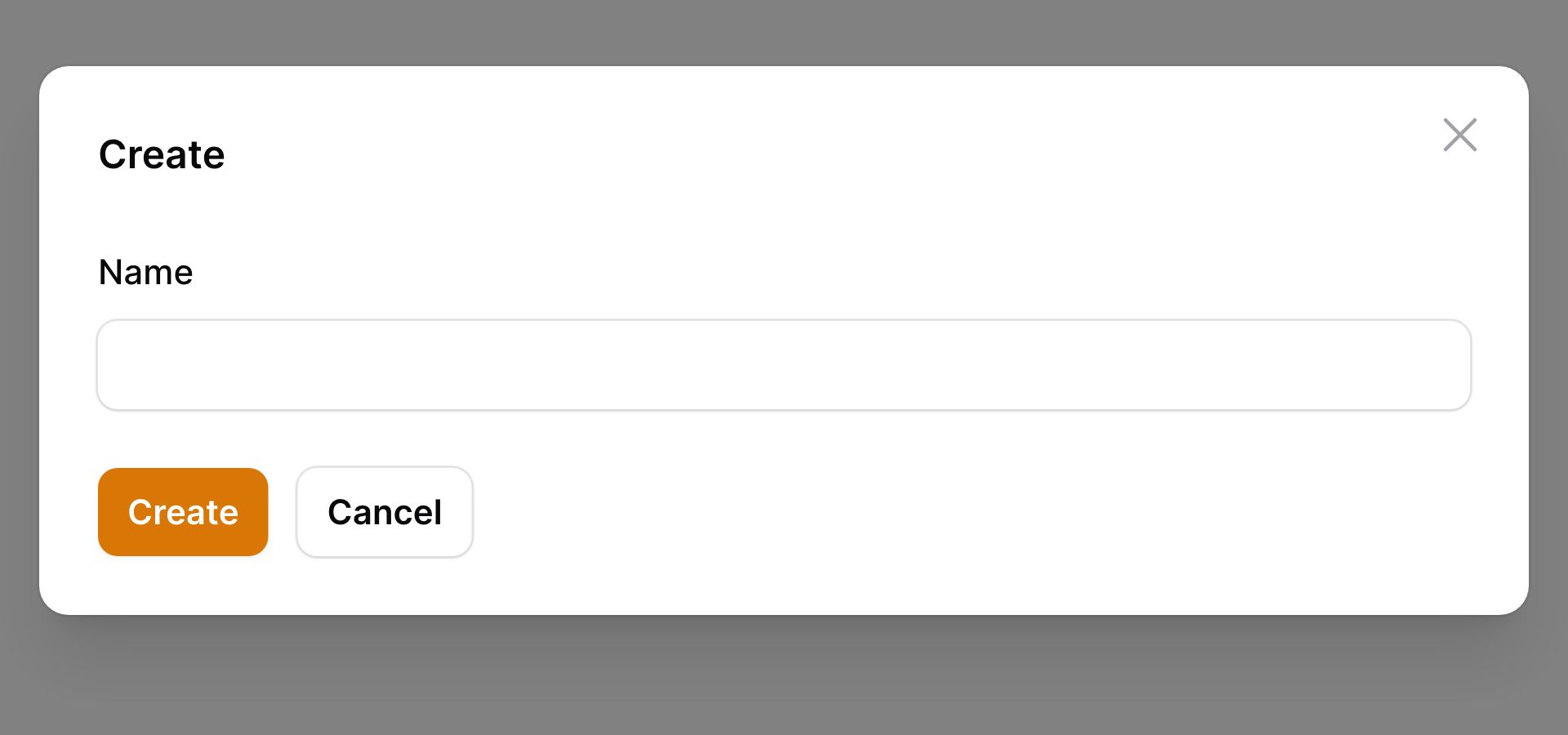
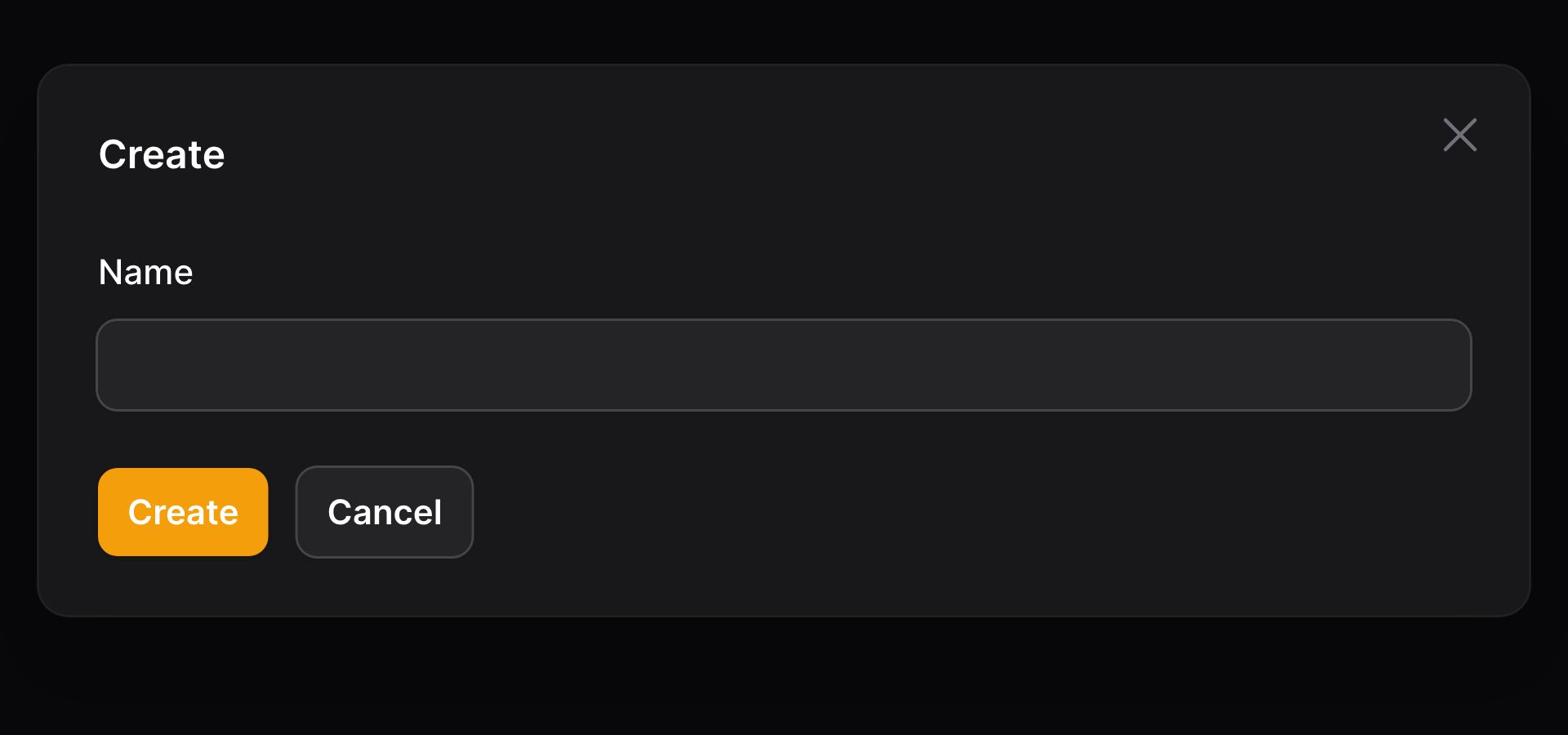
该表单将在模态框中打开,用户可以在其中填写数据。表单提交之后,该字段会选中这个新记录。
自定义新选项创建
你可以使用 createOptionUsing() 方法自定义新选项的创建过程,它应该返回新记录的主键:
use Filament\Forms\Components\Select;

Select::make('author_id')
    ->relationship(name: 'author', titleAttribute: 'name')
    ->createOptionForm([
       // ...
    ])
    ->createOptionUsing(function (array $data): int {
        return auth()->user()->team->members()->create($data)->getKey();
    }),
模态框中编辑选中的选项
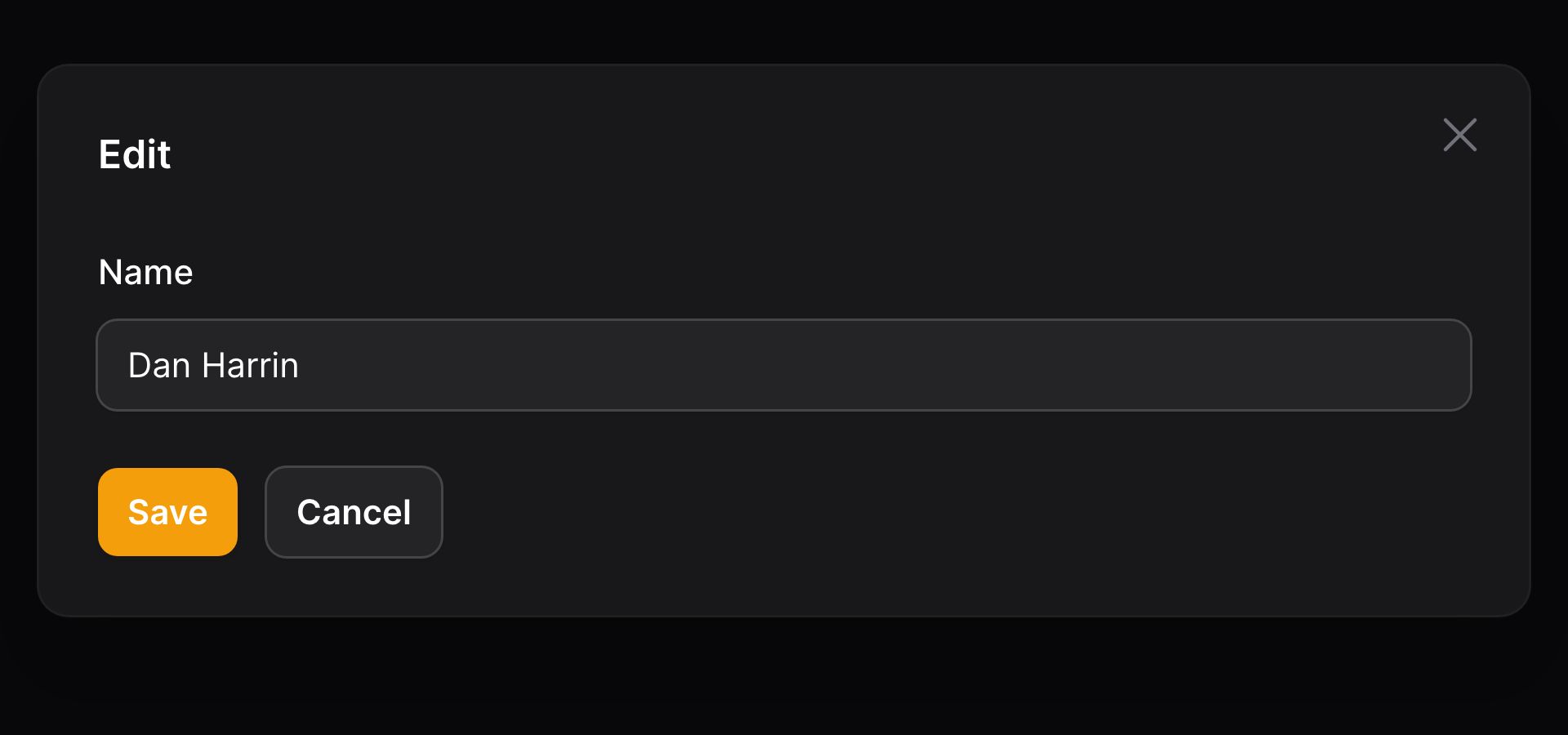
你可以自定义一个表单,用于编辑选中的记录,并将其保存回 BelongsTo 关联:
use Filament\Forms\Components\Select;

Select::make('author_id')
    ->relationship(name: 'author', titleAttribute: 'name')
    ->editOptionForm([
        Forms\Components\TextInput::make('name')
            ->required(),
        Forms\Components\TextInput::make('email')
            ->required()
            ->email(),
    ]),
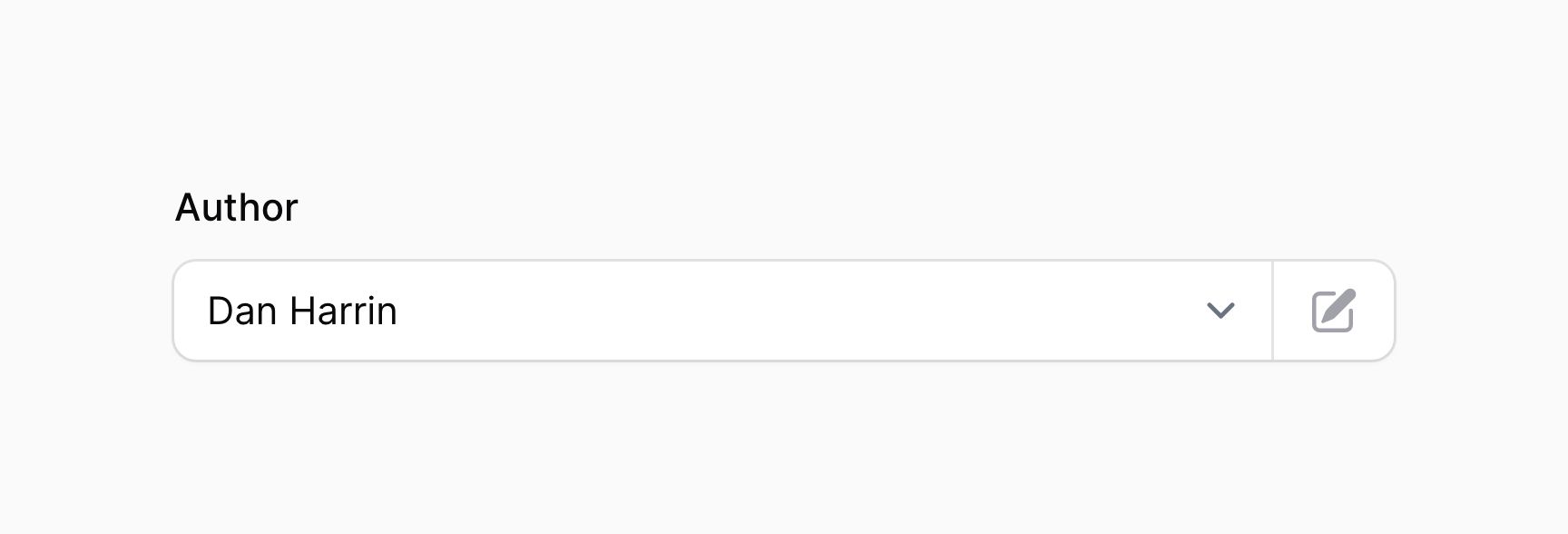

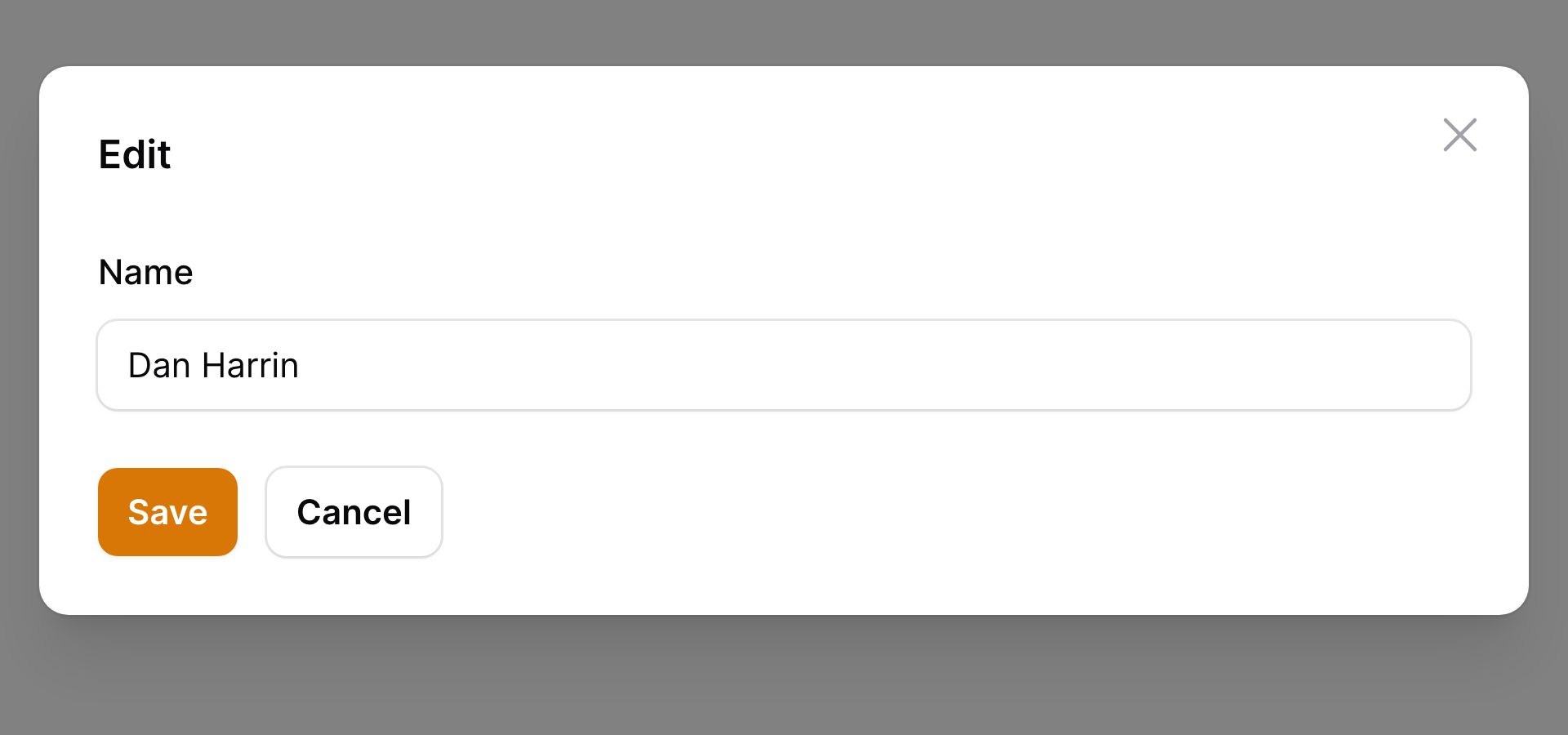
该表单将在模态框中打开,用户可以在其中填写数据。表单提交之后,表单中的数据会保存到记录中。
处理 MorphTo 关联
MorphTo 关联比较特别,因为它让用户可以从一系列不同模型中选择记录。一次,我们有一个专用的 MorphToSelect 组件,该组件实际上不是一个 Select 字段,而是在 Fieldset 里面的 2 个 Select 字段。第一个 Select 字段允许你选择类型,第二个允许你选择该类型下的记录。
要使用 MorphToSelect,你必须传入 types() 到组件中,以告知如何从不同类型中渲染选项:
use Filament\Forms\Components\MorphToSelect;

MorphToSelect::make('commentable')
    ->types([
        MorphToSelect\Type::make(Product::class)
            ->titleAttribute('name'),
        MorphToSelect\Type::make(Post::class)
            ->titleAttribute('title'),
    ])
为每个多态类型自定义选项标签
titleAttribute() 方法用于从每个产品/文章中提取标题。如果你想自定义每个选项的标签,你可以使用 getOptionLabelFromRecordUsing() 方法来将 Eloquent 模型转换成标签:
use Filament\Forms\Components\MorphToSelect;

MorphToSelect::make('commentable')
    ->types([
        MorphToSelect\Type::make(Product::class)
            ->getOptionLabelFromRecordUsing(fn (Product $record): string => "{$record->name} - {$record->slug}"),
        MorphToSelect\Type::make(Post::class)
            ->titleAttribute('title'),
    ])
为每个多态类型自定义关联查询
使用 modifyOptionsQueryUsing() 方法,你可以自定义检索选项的数据库查询:
use Filament\Forms\Components\MorphToSelect;
use Illuminate\Database\Eloquent\Builder;

MorphToSelect::make('commentable')
    ->types([
        MorphToSelect\Type::make(Product::class)
            ->titleAttribute('name')
            ->modifyOptionsQueryUsing(fn (Builder $query) => $query->whereBelongsTo($this->team)),
        MorphToSelect\Type::make(Post::class)
            ->titleAttribute('title')
            ->modifyOptionsQueryUsing(fn (Builder $query) => $query->whereBelongsTo($this->team)),
    ])
Select 字段中许多方法同样可以用在
MorphToSelect中,比如searchable()、preload()、native()、allowHtml()和optionsLimit()。
在选项标签中允许 HTML
默认情况下,Filament 会在选项标签中转移 HTML。如果你想允许 HTML,你可以使用 allowHtml() 方法:
use Filament\Forms\Components\Select;

Select::make('technology')
    ->options([
        'tailwind' => '<span class="text-blue-500">Tailwind</span>',
        'alpine' => '<span class="text-green-500">Alpine</span>',
        'laravel' => '<span class="text-red-500">Laravel</span>',
        'livewire' => '<span class="text-pink-500">Livewire</span>',
    ])
    ->searchable()
    ->allowHtml()
请注意,你需要确保 HTML 的渲染是安全的,否则应用可能容易受到 XSS 攻击。
禁用占位符选择
使用 selectablePlaceholder() 你可以防止占位符(空选项)被选中:
use Filament\Forms\Components\Select;

Select::make('status')
    ->options([
        'draft' => 'Draft',
        'reviewing' => 'Reviewing',
        'published' => 'Published',
    ])
    ->default('draft')
    ->selectablePlaceholder(false)
禁用指定选项
使用 disableOptionWhen() 方法,你可以禁用指定的选项。它接收一个闭包,你可以在其中检查指定的 $value 值是否应该被禁用:
use Filament\Forms\Components\Select;

Select::make('status')
    ->options([
        'draft' => 'Draft',
        'reviewing' => 'Reviewing',
        'published' => 'Published',
    ])
    ->default('draft')
    ->disableOptionWhen(fn (string $value): bool => $value === 'published')
使用 getEnabledOptions(),你可以检索这些选项是否被禁用,比如出于验证需要:
use Filament\Forms\Components\Select;

Select::make('status')
    ->options([
        'draft' => 'Draft',
        'reviewing' => 'Reviewing',
        'published' => 'Published',
    ])
    ->default('draft')
    ->disableOptionWhen(fn (string $value): bool => $value === 'published')
    ->in(fn (Select $component): array => array_keys($component->getEnabledOptions()))
在字段旁边添加前后缀文本
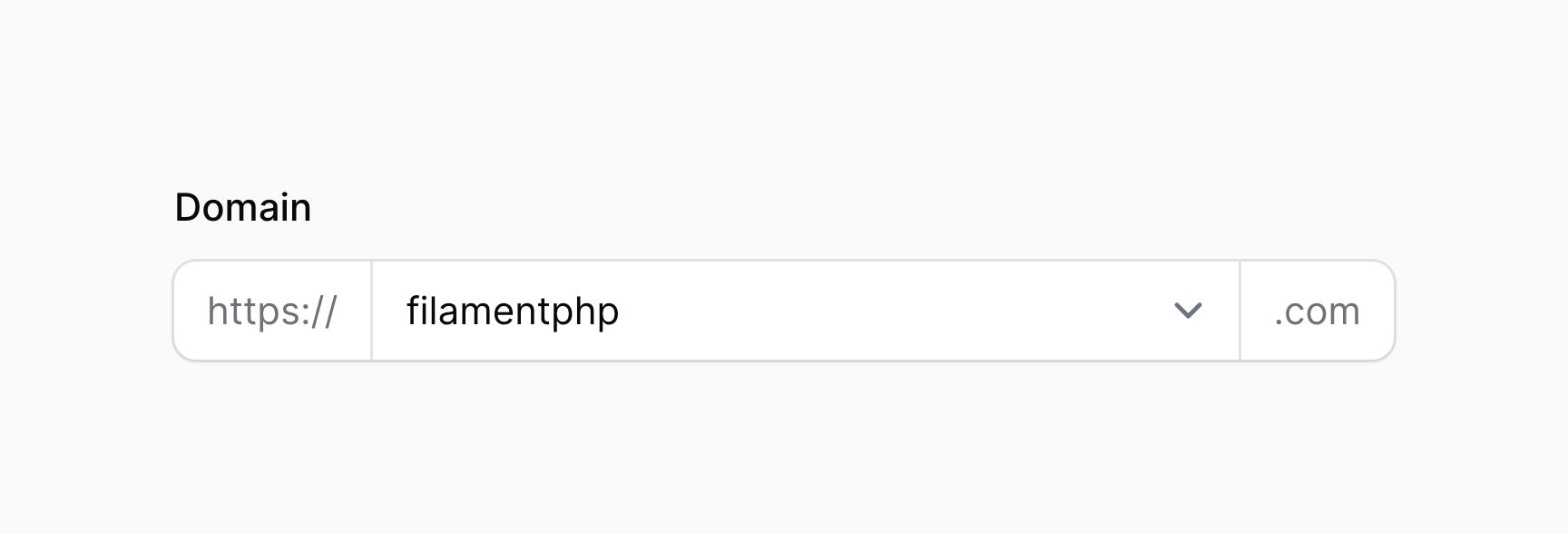
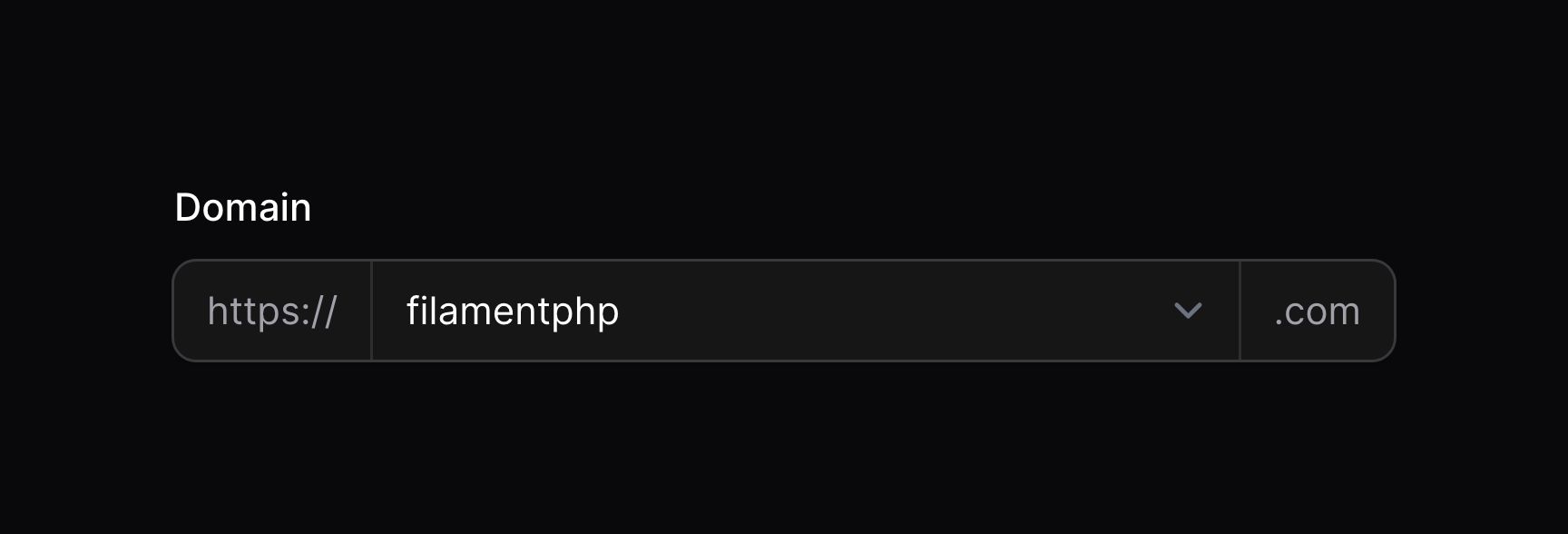
使用 prefix() 和 suffix() 方法,你可以在输入框前后放置文本:
use Filament\Forms\Components\Select;

Select::make('domain')
    ->prefix('https://')
    ->suffix('.com')
使用图标作为前后缀
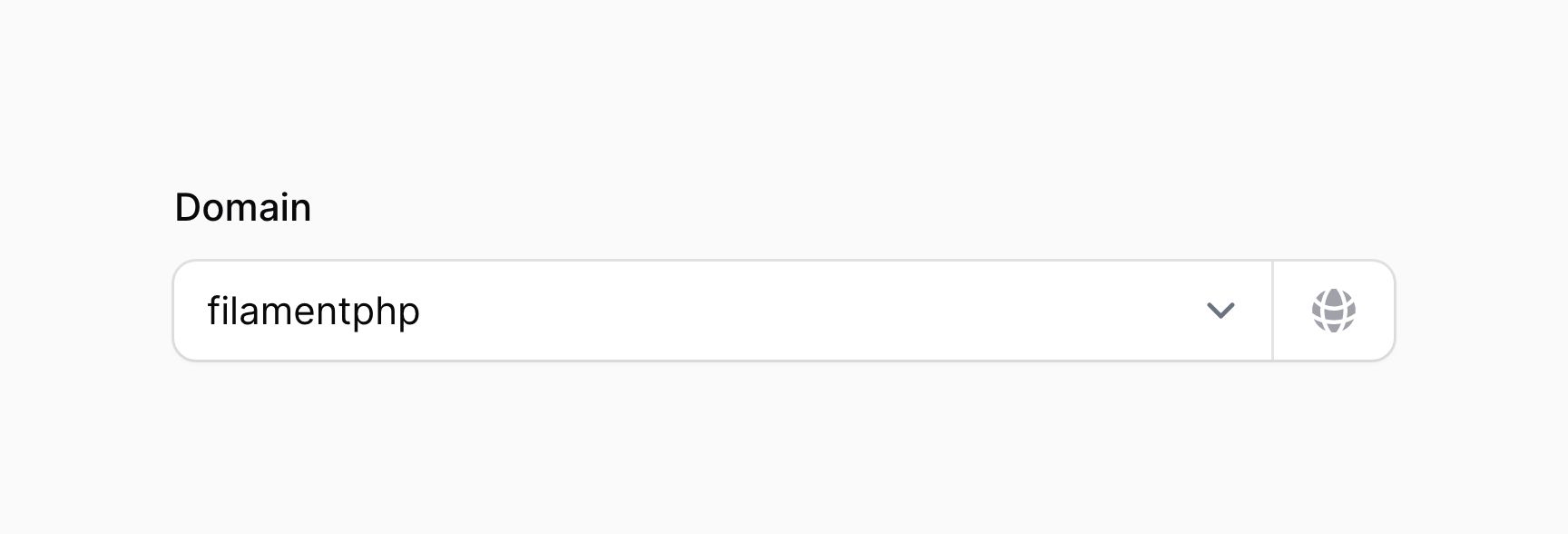
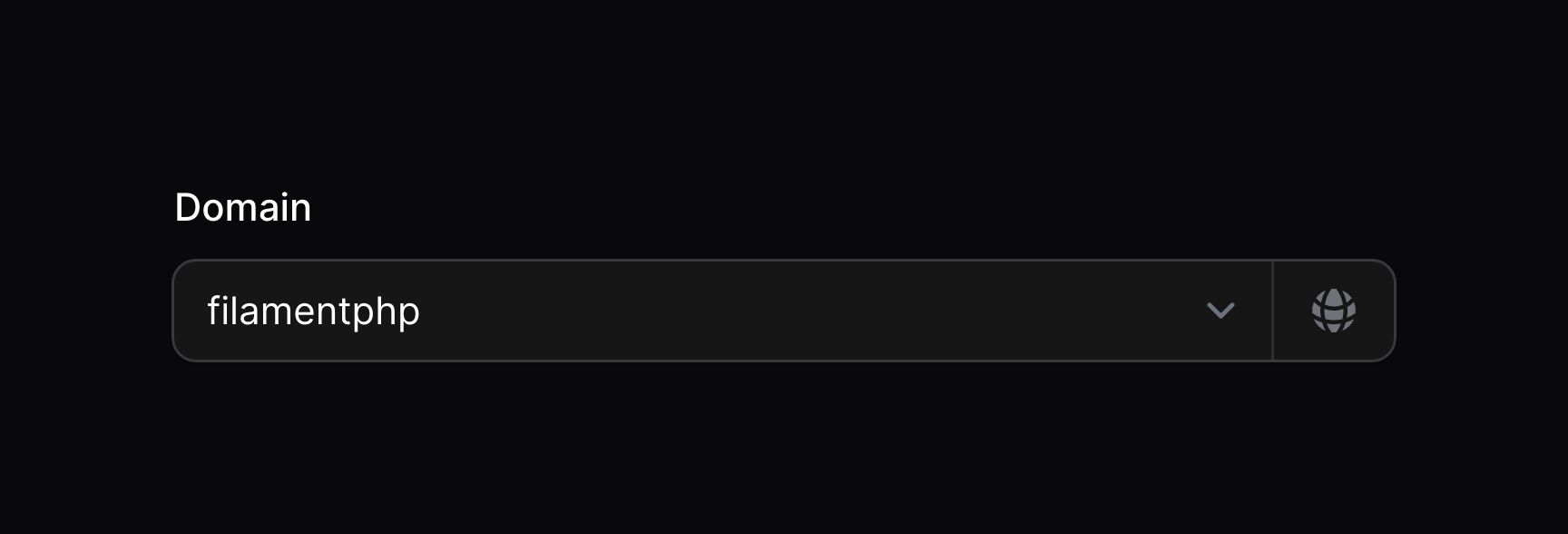
使用 prefixIcon() 和 suffixIcon() 方法,你可以在输入框前后放置图标:
use Filament\Forms\Components\Select;

Select::make('domain')
    ->suffixIcon('heroicon-m-globe-alt')
设置前后缀图标颜色
前后缀图标默认是灰色,不过你可以使用 prefixIconColor() 和 suffixIconColor() 方法将其设为不同颜色:
use Filament\Forms\Components\Select;

Select::make('domain')
    ->suffixIcon('heroicon-m-check-circle')
    ->suffixIconColor('success')
设置自定义加载信息
使用可搜索的 Select 或多选 Select 时,你可能希望在加载选项时显示自定义消息。为此,请使用 loadingMessage() 方法:
use Filament\Forms\Components\Select;

Select::make('author_id')
    ->relationship(name: 'author', titleAttribute: 'name')
    ->searchable()
    ->loadingMessage('Loading authors...')
设置没有搜索结果的自定义消息
使用可搜索的 Select 或多选 Select 时,你可能希望在没有找到搜索结果时显示一条自定义消息。为此,请使用 noSearchResultsMessage() 方法:
use Filament\Forms\Components\Select;

Select::make('author_id')
    ->relationship(name: 'author', titleAttribute: 'name')
    ->searchable()
    ->noSearchResultsMessage('No authors found.')
设置自定义搜索提示
使用可搜索的 Select 或多选 Select 时,你可能希望在用户还未输入搜索条件时显示自定义消息。为此,请使用 searchPrompt() 方法:
use Filament\Forms\Components\Select;

Select::make('author_id')
    ->relationship(name: 'author', titleAttribute: 'name')
    ->searchable(['name', 'email'])
    ->searchPrompt('Search authors by their name or email address')
设置自定义搜索中消息
使用可搜索的 Select 或多选 Select 时,你可能希望在搜索结果加载过程时显示自定义消息。为此,请使用 searchingMessage() 方法:
use Filament\Forms\Components\Select;

Select::make('author_id')
    ->relationship(name: 'author', titleAttribute: 'name')
    ->searchable()
    ->searchingMessage('Searching authors...')
调整搜索抖动
默认情况下,当用户输入到可搜索的 Select 或多选 Select 时,Filament 会在搜索选项之前等待 1000 毫秒(1 秒)。如果用户持续输入到搜索框,搜索之间也会等待 1000 毫秒。你可以使用 searchDebounce() 方法,对此进行修改:
use Filament\Forms\Components\Select;

Select::make('author_id')
    ->relationship(name: 'author', titleAttribute: 'name')
    ->searchable()
    ->searchDebounce(500)
请确保你不会将抖动降得太低,因为这会导致由于从服务器检索选项的网络请求数量太高而使 Select 变得缓慢且响应较差。
现在选项数量
使用 optionsLimit() 方法,你可以现在选项的数量。默认值是 50:
use Filament\Forms\Components\Select;

Select::make('author_id')
    ->relationship(name: 'author', titleAttribute: 'name')
    ->searchable()
    ->optionsLimit(20)
请确保不要将上限提得太高,因为这可能会因为浏览器内存占用太高而导致 Select 变慢且无响应。
Select 验证
除了验证页面中的所有可用规则,有一些可以专门用于 Select 的规则。
选中的选项验证
通过设置 minItems() 和 maxItems() 方法,你可以验证可以在[多选 Select] 中可以选择的最小和最大数量:
use Filament\Forms\Components\Select;

Select::make('technologies')
    ->multiple()
    ->options([
        'tailwind' => 'Tailwind CSS',
        'alpine' => 'Alpine.js',
        'laravel' => 'Laravel',
        'livewire' => 'Laravel Livewire',
    ])
    ->minItems(1)
    ->maxItems(3)
自定义 Select Action 对象
该字段使用 action 对象,在其中对按钮进行自定义。通过传递一个函数到 action 注册方法中,可以自定义这些按钮。该函数可以访问 $action 对象,用于自定义。下面是一些可以用于自定义 action 的方法:
createOptionAction()editOptionAction()manageOptionActions()(for customizing both the create and edit option actions at once)
下面是一个如何自定义 action 的示例:
use Filament\Forms\Components\Actions\Action;
use Filament\Forms\Components\Select;

Select::make('author_id')
    ->relationship(name: 'author', titleAttribute: 'name')
    ->createOptionAction(
        fn (Action $action) => $action->modalWidth('3xl'),
    )